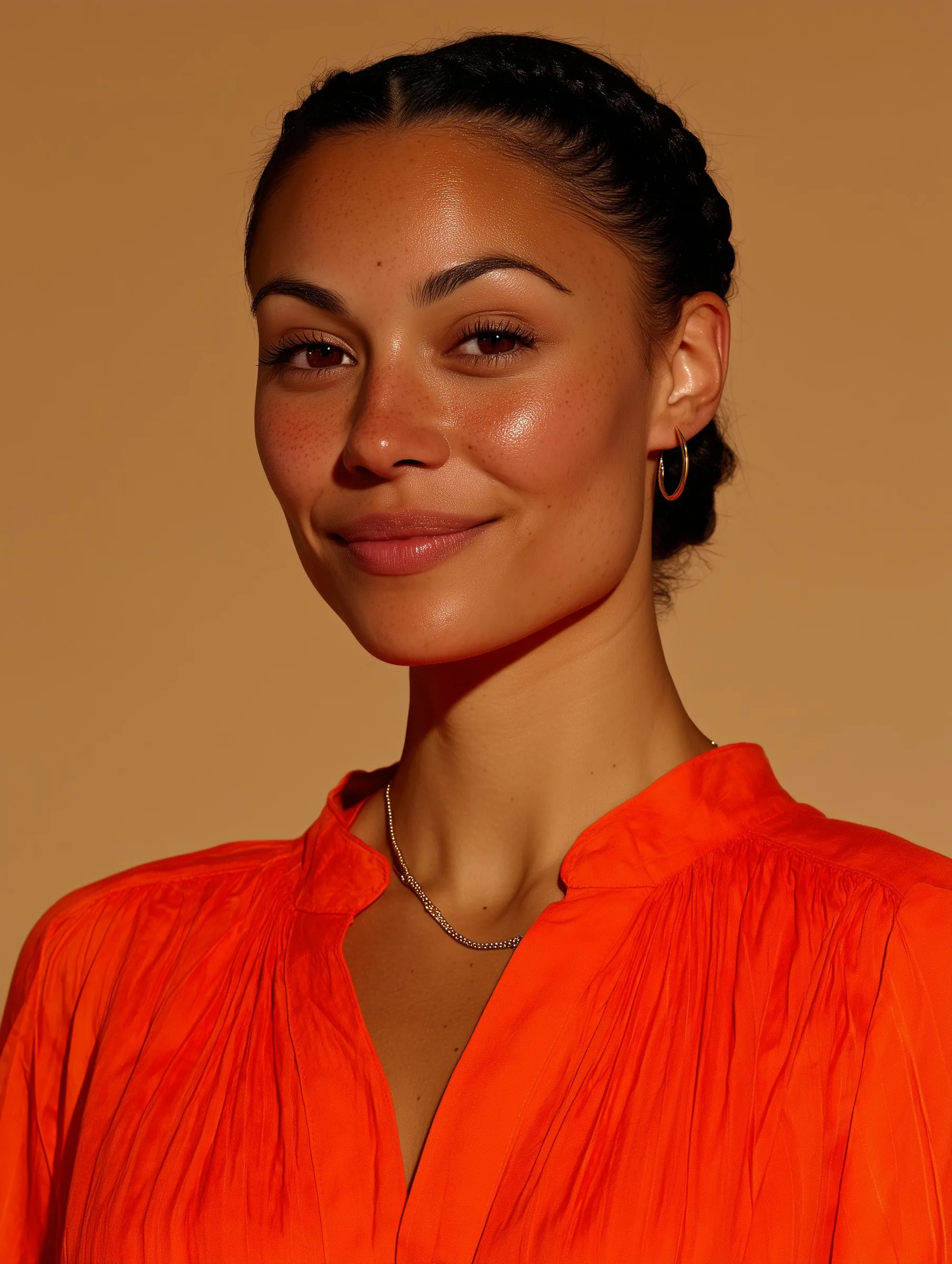
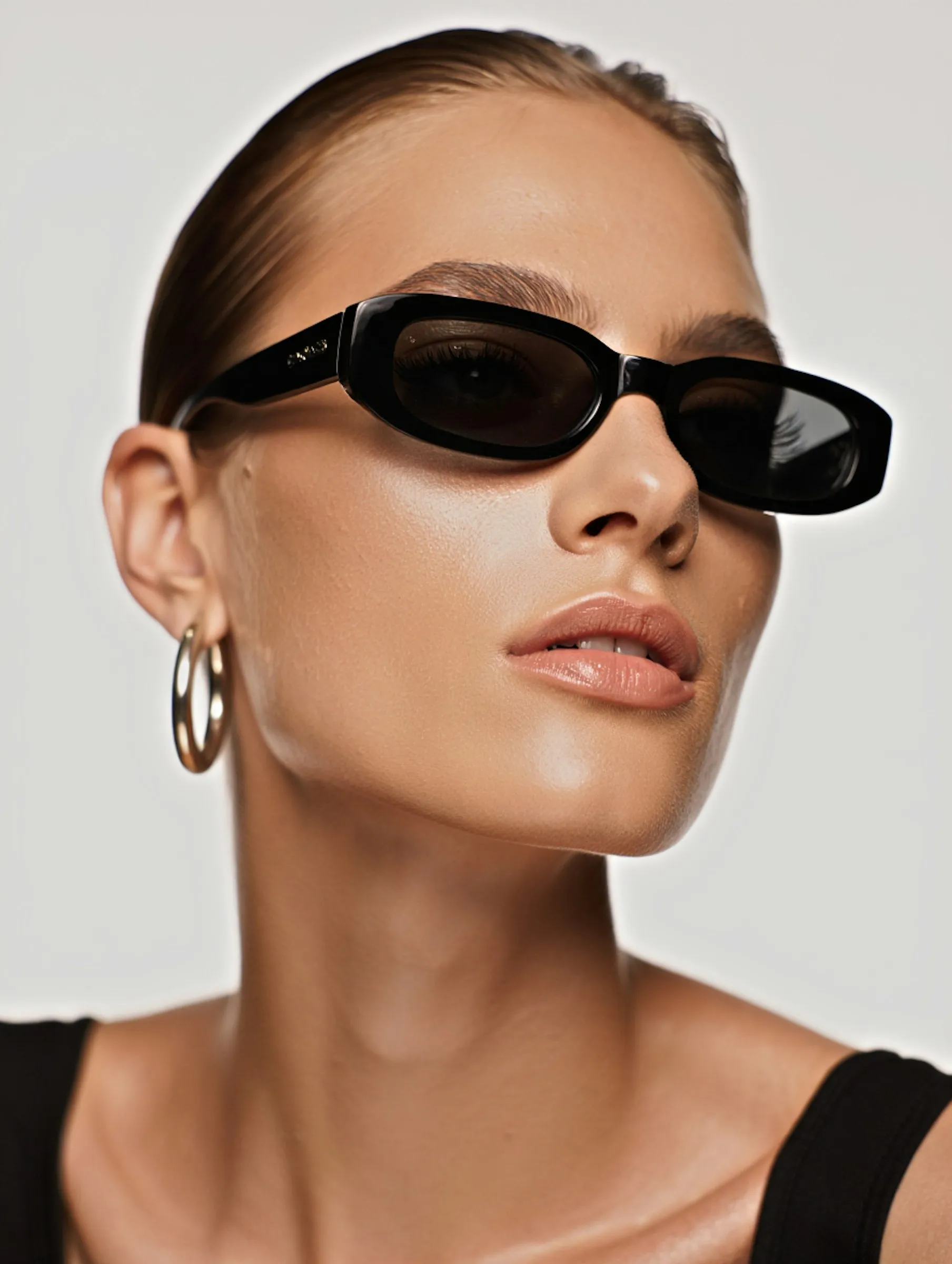
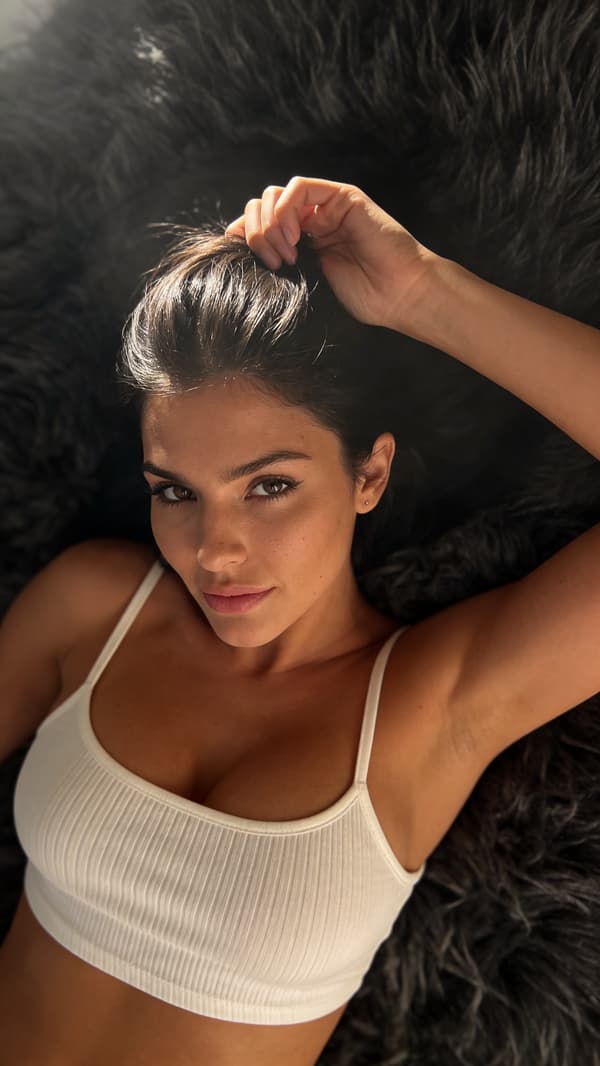
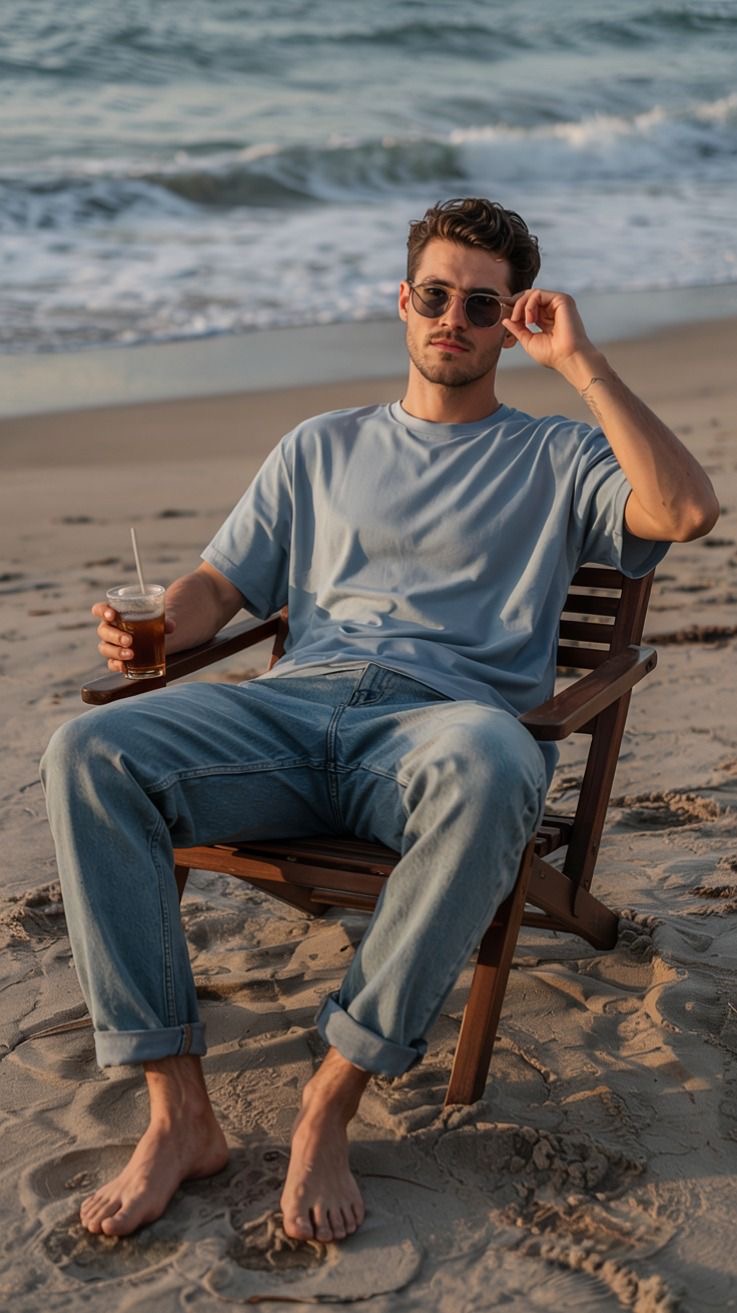
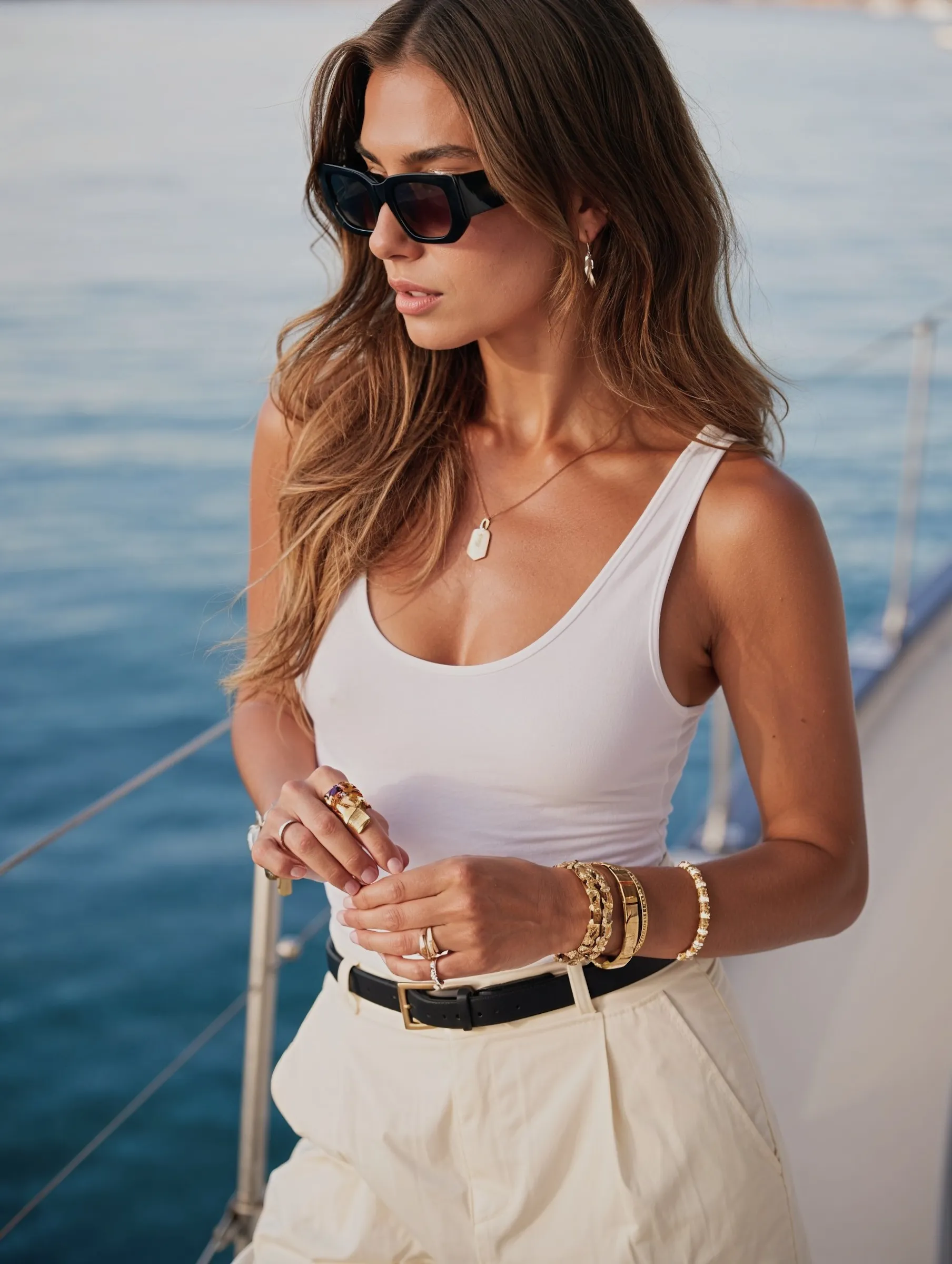
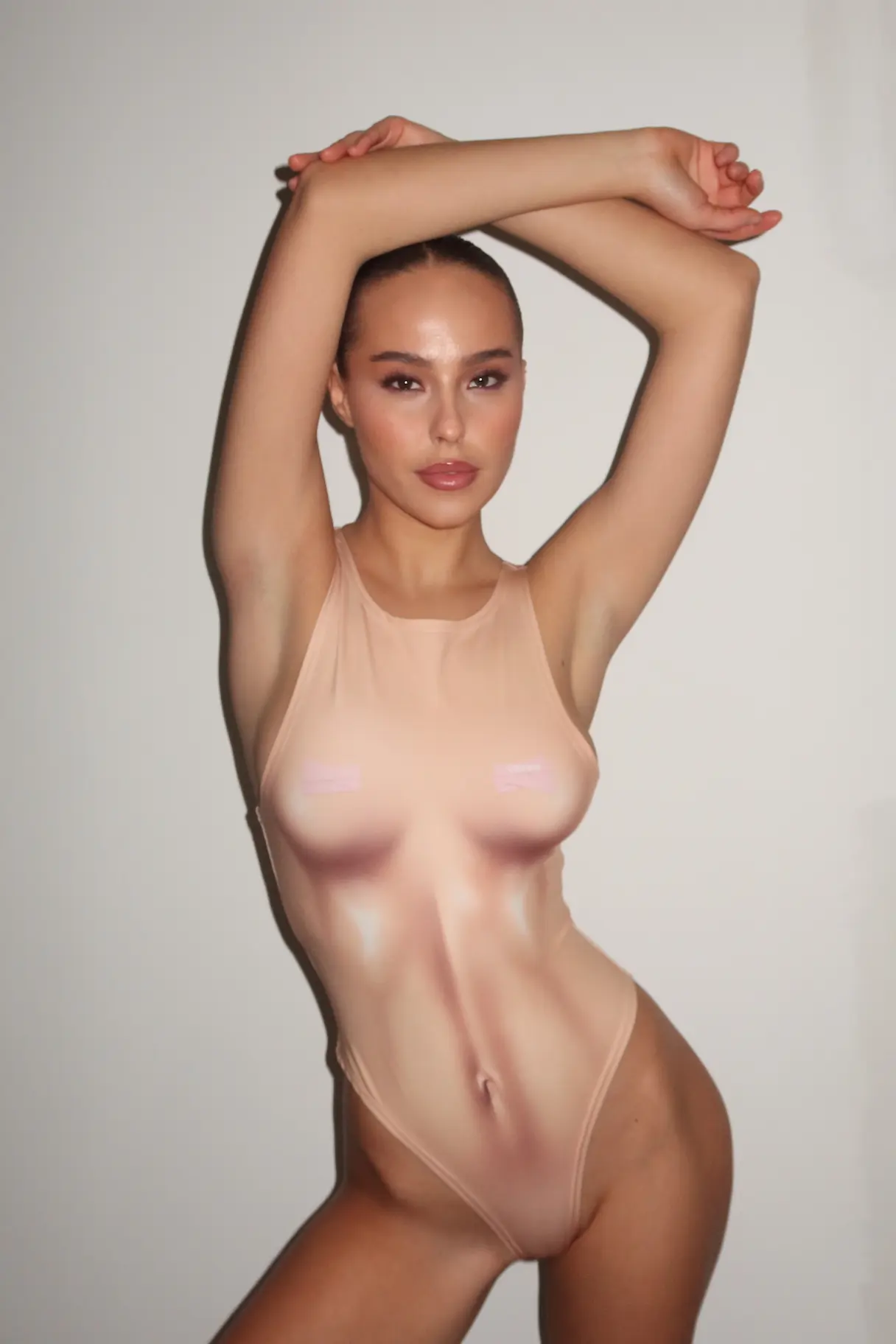
To make AI photos of yourself, upload 5–15 clear selfies to an AI photo generator, let it learn your face, then describe the shot you want — outfit, location, lighting — and generate. The whole thing takes about ten minutes and costs less than a single studio hour. This guide covers how to get a likeness that actually looks like you, which photos are worth generating, and where the results hold up.
What you need before you start
What
Requirement
Reference photos
5–15 clear, recent shots of your face from a few angles
Time
~10 minutes to set up, seconds per image after that
Cost
Free tiers exist; paid plans typically $10–$30/month
Skills
None — you describe the shot in plain language
The reference photos are 80% of the outcome. Everything else is adjustable later; a bad reference set is not.
What are AI photos of yourself?
They're images of your real face placed into outfits, settings and lighting that never happened. The model learns your features from the photos you upload, then generates new, photorealistic pictures that still read as unmistakably you.
That's the difference between a generic AI face and your face. One is a stranger who looks plausible; the other is a photo of you that you simply never took.
A few angles — front, three-quarter, slight profile
Even lighting, no heavy shadows across the face
No sunglasses, hats, or heavy filters — they teach the model the wrong face
Solo shots where your face isn't partly covered
Mix close-ups with a couple of upper-body frames
Five sharp photos beat fifty blurry ones.
2. Upload and let the model learn your face
The tool processes the set and builds a character from it. This is the step that determines whether the output is you or a cousin of yours — and it's also why tools that keep a locked character produce better results than ones that start from scratch each time.
3. Brief the shot like you'd brief a photographer
Decide before you generate. Four elements do the work:
[outfit] + [location] + [light] + [framing]
For example: navy blazer over a white shirt, seated by a window in a bright office, soft daylight from the left, waist-up at 85mm.
"Professional headshot, neutral grey background, soft studio light" and "candid on a sunny street, denim jacket, golden hour" produce completely different photos from the same face. Specific beats pretty.
4. Generate in batches, not one at a time
Make four to six per brief. Even a good prompt misses sometimes, and choosing the best of six costs less time than troubleshooting the first one.
5. Cull ruthlessly
Zoom to 100% and check hands, teeth, ears, jewellery and any text in frame. If something makes you hesitate for a second, cut it. Those are the details people notice without being able to name them — how to fix AI hands covers each tell and its fix.
6. Build a library, not a photo
Once a version looks right, reuse that same character across outfits, seasons and locations. Thirty photos of the same recognisable person is a content library; thirty photos of thirty near-identical strangers is not. That's what character consistency means in practice.
Which photos are actually worth generating
Type
Brief it like this
Where you'll use it
Professional headshot
Navy blazer, neutral background, soft side light, 85mm
The economics are why this went mainstream: one subscription replaces a photographer, a location and an afternoon — and you can redo the whole thing when your haircut changes.
Privacy, consent and the one rule that matters
Upload photos of yourself, and only of yourself. Generating images of another person's face without their consent isn't a grey area — the US TAKE IT DOWN Act, which the FTC enforces, covers digitally altered images and AI deepfakes alongside real ones, and requires platforms to remove non-consensual intimate imagery within 48 hours of a request.
Before uploading anywhere, check three things in the tool's policy:
Are your uploads and generations private by default?
Can you delete your reference photos and the character built from them?
Is your likeness used to train shared models, or kept to your account?
If any of the three is unclear, that's your answer.
Where AI photos of yourself hold up — and where they don't
They work well for profile photos, social content, dating apps and anything where the point is "here's me, well-lit." See AI headshots for LinkedIn and AI dating photos for the platform-specific rules.
They don't work as proof. Anything requiring verification — ID photos, press images, documentation of an event — needs a real photograph. And the honest line everywhere else: enhance the photography, don't change the person. A headshot that doesn't look like the person who shows up has failed at its only job.
Frequently asked questions
How do I make AI pictures of myself?
Upload 5–15 clear selfies to an AI photo generator, let it learn your face, then describe the outfit, location and lighting you want. The first usable image usually takes under ten minutes.
How many photos do I need to upload?
Five to fifteen. More good references improve the likeness; more bad ones make it worse. Recent, well-lit, varied angles, no sunglasses.
Can I make AI images of myself for free?
Most tools have a free tier that's enough to test the likeness. Paid plans unlock higher resolution, video, and the volume you need for an actual library.
Do AI photos of yourself look real?
The good ones do. Realism comes from natural skin texture, a single believable light source, and correct hands — and from culling the 80% that don't quite land.
How do I do an AI photoshoot of myself?
Treat it as a shoot: decide on 5–6 looks in advance, brief each one separately, generate a batch per look, then pick the best frame from each. Our guide to an AI photoshoot of yourself walks through a full session.
Is it safe to upload my photos?
It depends on the tool. Check that uploads are private by default, that you can delete them, and that your likeness isn't used to train models shared with other users.
Can I use AI photos on LinkedIn or dating apps?
Yes, as long as they genuinely look like you. Both reward clear, well-lit, recognisable photos — and dating apps run selfie verification, which an altered face will fail.
Start with five selfies
The barrier to a good photo of yourself used to be a photographer's calendar. Now it's a handful of reference shots and a clear idea of the look. Pick the five sharpest photos on your phone, decide on one scene, and generate — the rest is iteration.
Create your AI photos with MANROE — upload a few selfies once, then generate as many photos and videos of yourself as you need, with the same face every time.