Best AI Prompts for Realistic Portraits (2026 Guide + Examples)
MANROE Team · August 3, 2026
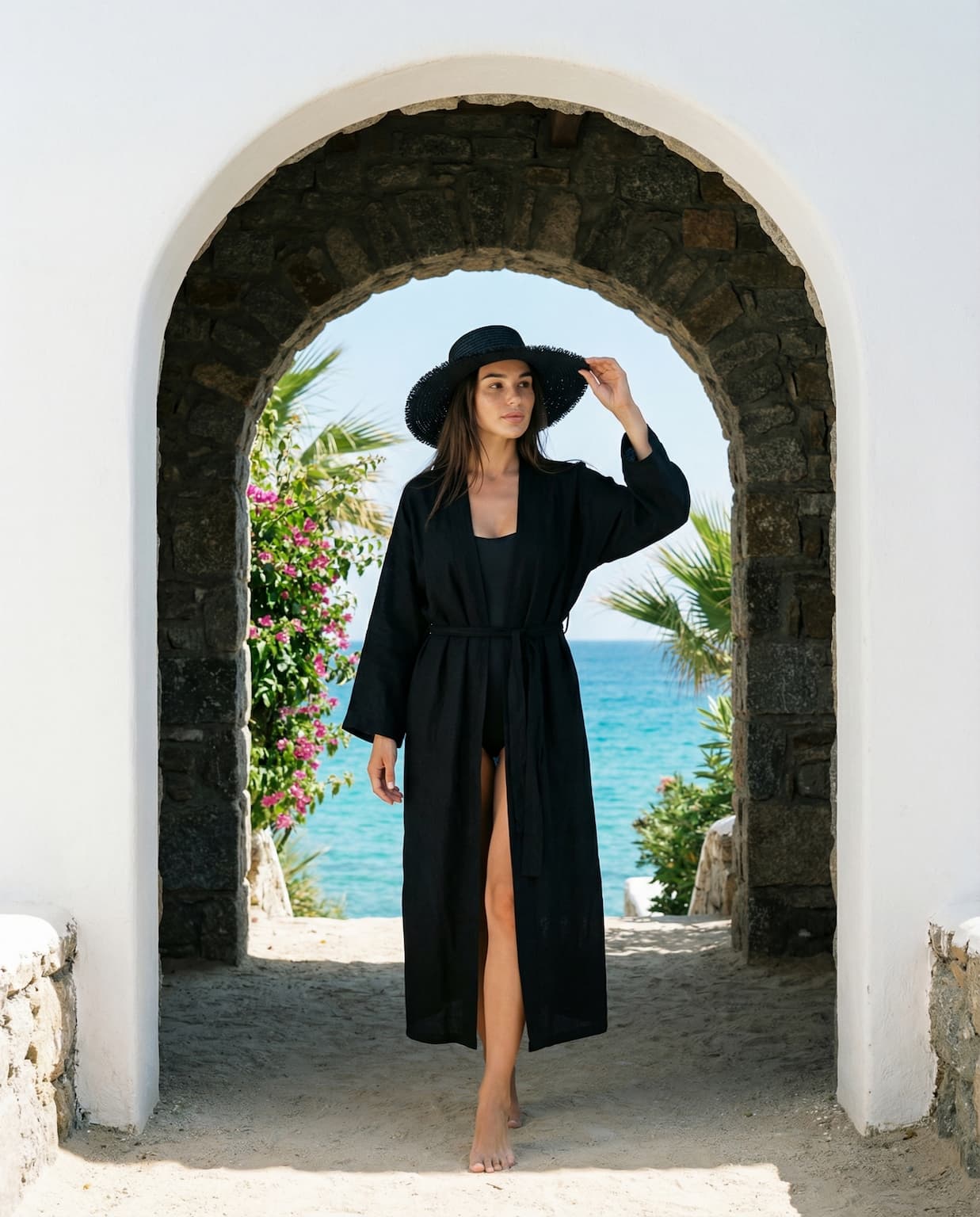
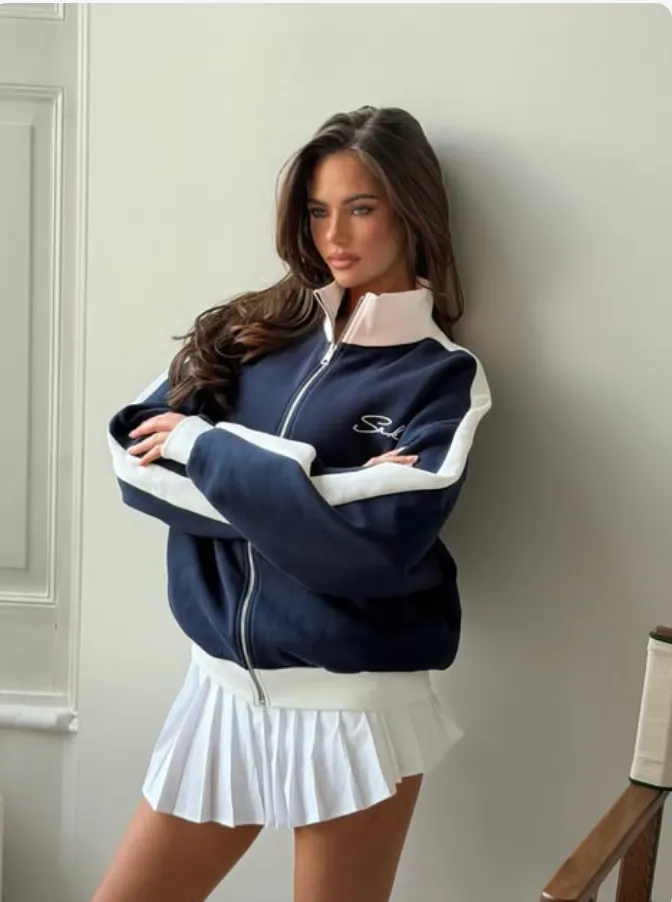
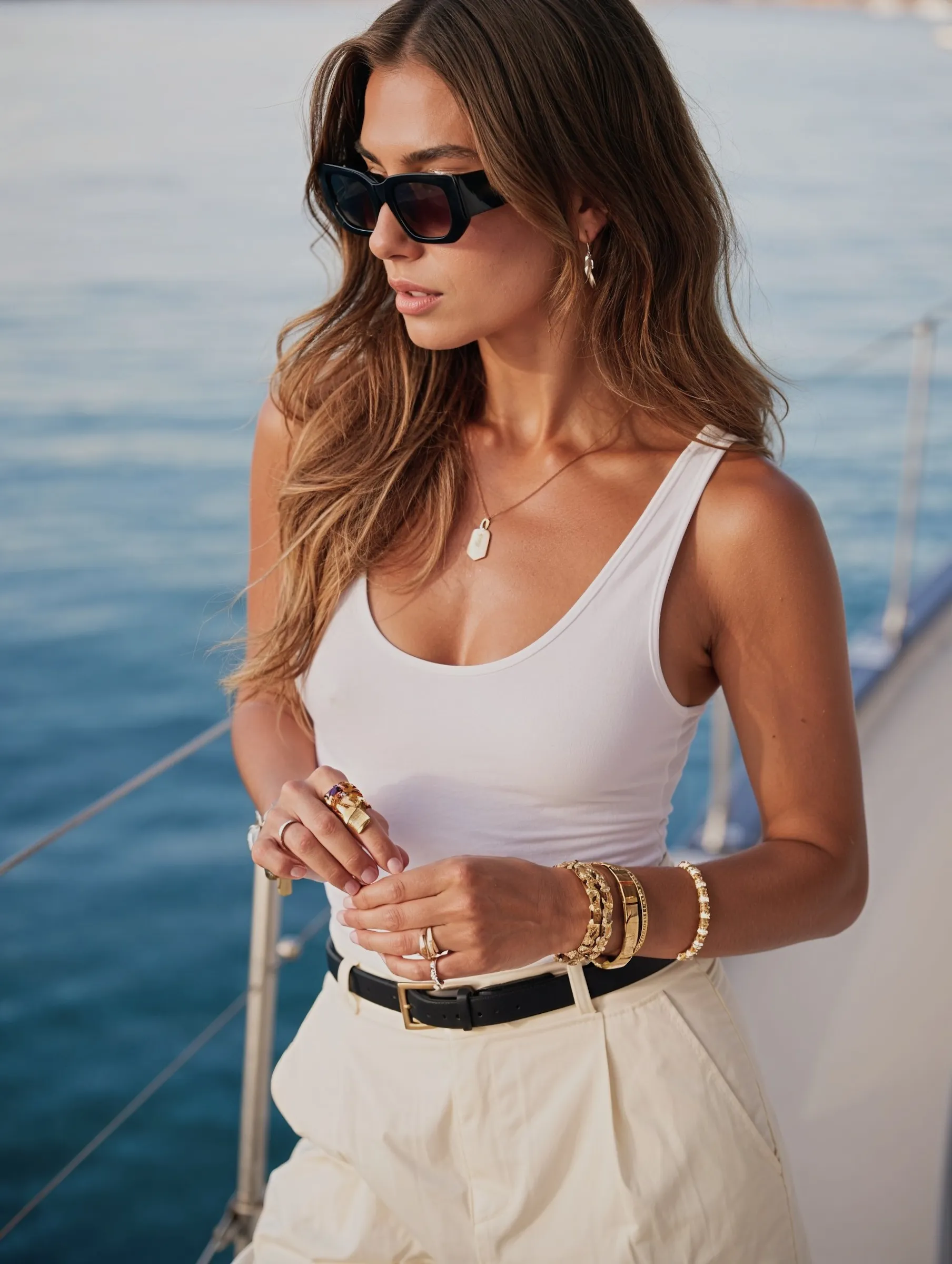
The best AI prompts for realistic portraits follow one formula: subject + expression + wardrobe + setting + lighting + camera. Describe the photo like a photographer would brief a shoot, and the model gives you a believable portrait instead of a glossy, plastic render. This guide breaks down that formula, gives you copy-paste prompts that work, and lists the exact modifiers that push an image from "obviously AI" to "wait, is that real?"
What makes an AI portrait prompt realistic?
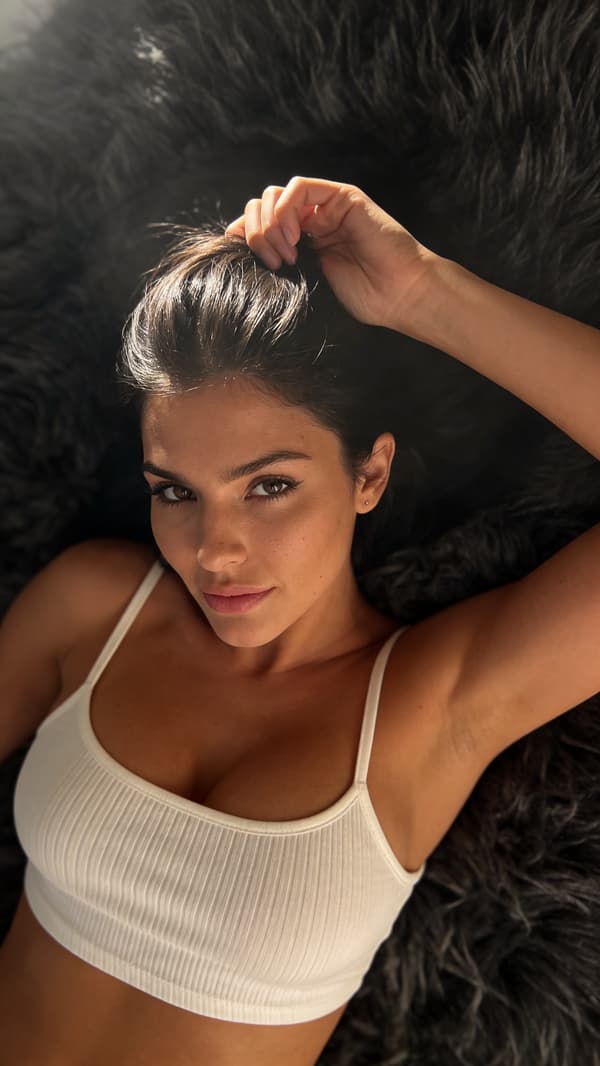
Realism comes from specifics, not adjectives. "Beautiful woman" gives you a generic, over-smoothed face. A photographer's brief — natural light, a real lens, an honest expression — gives you a photo. The trick is to describe the photograph, not just the person.
Stack them into one line and you have a realistic portrait prompt. Leave parts out and the model fills the gaps generically.
Best AI prompts for realistic portraits (copy-paste)
Natural window-light portrait
Candid portrait of a woman in her late 20s with light freckles and natural skin texture, relaxed half-smile, cream knit sweater, sunlit café window seat, soft natural window light, shot on 85mm, shallow depth of field.
Golden-hour outdoor portrait
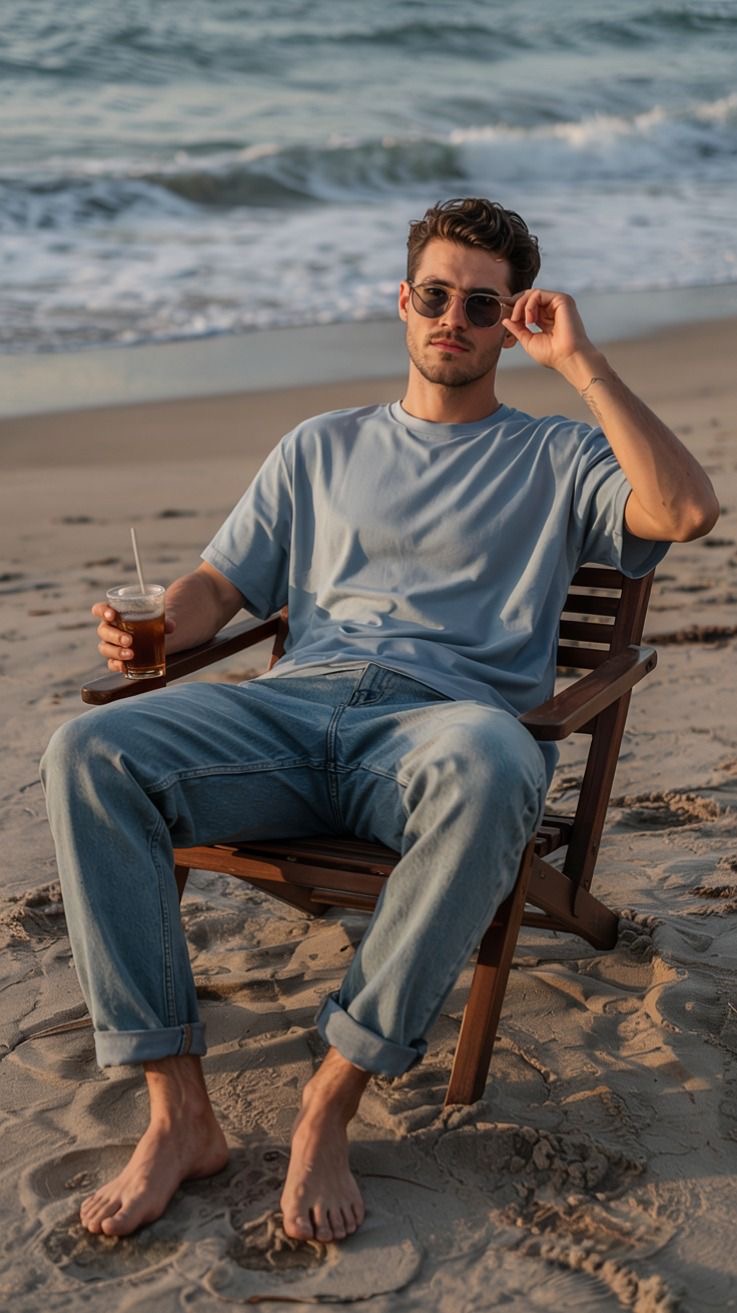
Portrait of a man in his early 30s, short beard, denim jacket, standing on a city street at golden hour, warm backlight, natural skin, shot on 35mm, candid and unposed.
Clean studio headshot
Professional headshot of a woman, navy blazer, neutral grey background, soft even studio lighting, natural skin texture, direct eye contact, shot on 85mm portrait lens.
Moody low-key portrait
Close-up portrait of a man, dramatic Rembrandt lighting, dark background, sharp catchlights in the eyes, natural skin with visible pores, cinematic, shot on 50mm.
Bright lifestyle portrait
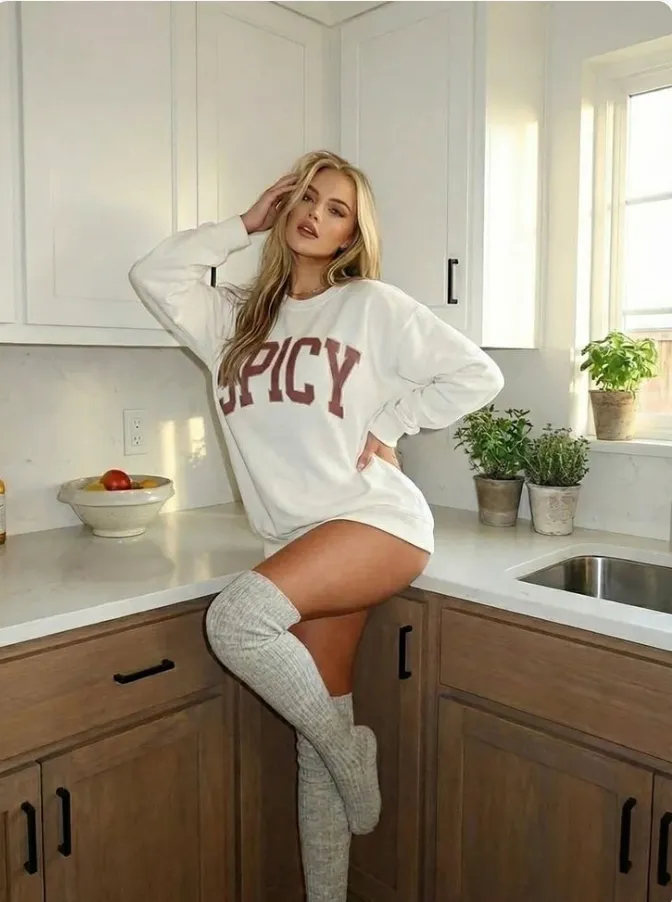
Candid lifestyle portrait of a woman laughing, white cotton tee, bright airy kitchen, soft diffused daylight, natural skin, shot on 35mm, film-like colors.
Swap the subject, wardrobe, and setting — keep the lighting and camera cues — and you have an endless set of on-style portraits.
Modifiers that boost realism
Lighting terms ground an image in reality faster than anything else:
Modifier
Effect
Soft window light
Gentle, flattering, real
Golden hour / warm backlight
Cinematic outdoor glow
Overcast / diffused daylight
Even, natural, no harsh shadows
Rembrandt lighting
Classic, moody portrait look
Soft studio lighting
Clean, professional
Camera & lens cues push the model toward photographic framing:
Adjective soup. Ten beauty adjectives produce a generic face; specifics produce a person.
No lighting or camera cue. These are what make it read as a photo.
Over-processing words. "8k, HDR, ultra-detailed" often hurt realism.
Ignoring skin. Without texture cues, faces go plastic.
Skipping the hands. Prompt and review hands — they're the classic giveaway.
Frequently asked questions
What is the best prompt for a realistic AI portrait?
Use the formula: subject + expression + wardrobe + setting + lighting + camera. For example: "candid portrait of a woman with natural skin texture, soft window light, shot on 85mm, shallow depth of field." Specific, photographic cues beat vague adjectives.
How do I make AI portraits look less fake?
Add natural-light and real-lens cues ("soft window light," "shot on 35mm"), ask for "natural skin texture," and avoid words like "perfect," "flawless," and "8k" that over-process the image.
What lens should I put in a portrait prompt?
85mm for classic, compressed headshots with a blurred background; 35mm for candid, environmental portraits. Naming a lens nudges the model toward photographic framing.
Should I use negative prompts for portraits?
Yes, if your tool supports them. A negative prompt like "plastic skin, over-smoothed, deformed hands, cartoon" helps remove the most common AI tells.
How do I keep the same face across different prompts?
Prompts alone won't hold a face — image models randomize each run. Lock a single identity on a platform built for consistency and reuse it across prompts.
Start creating realistic AI portraits
Great AI portraits aren't about magic keywords — they're about briefing the shot like a photographer: one clear light, a real lens, honest skin, and a specific subject. Start from the formula, use the copy-paste prompts above, and adjust from there.