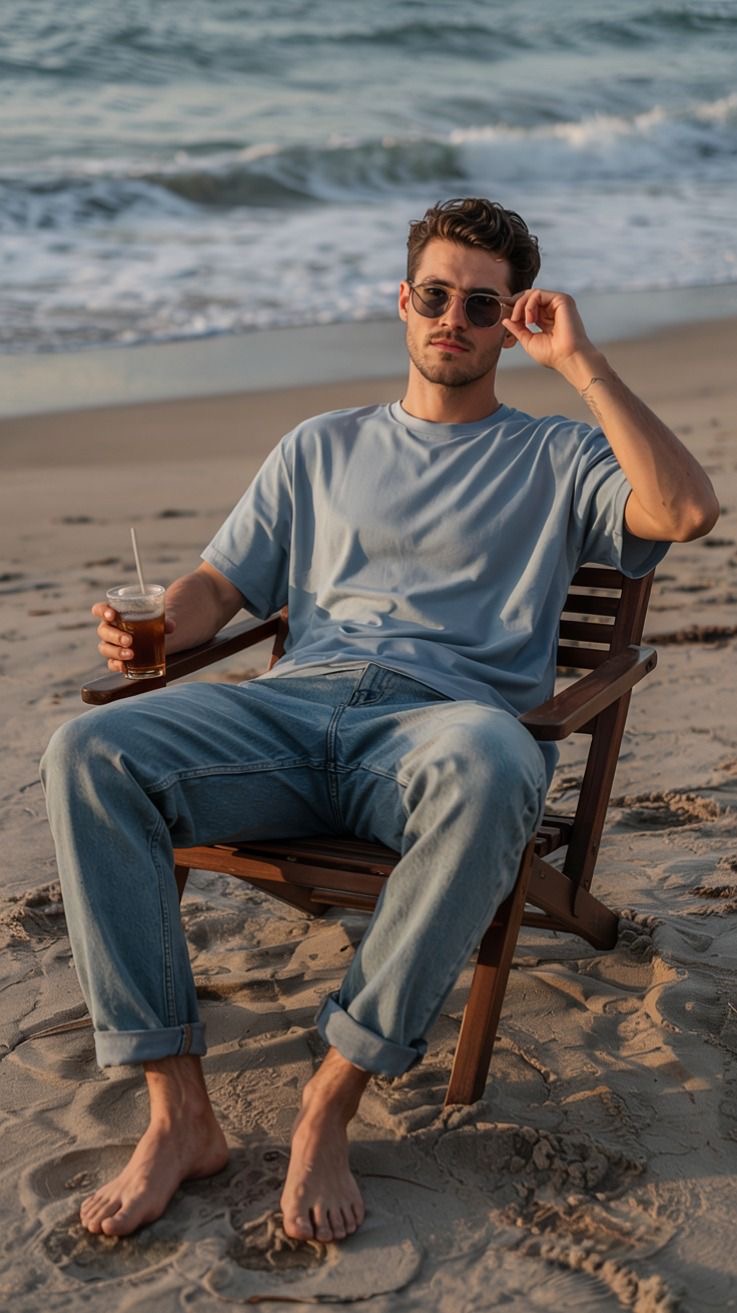
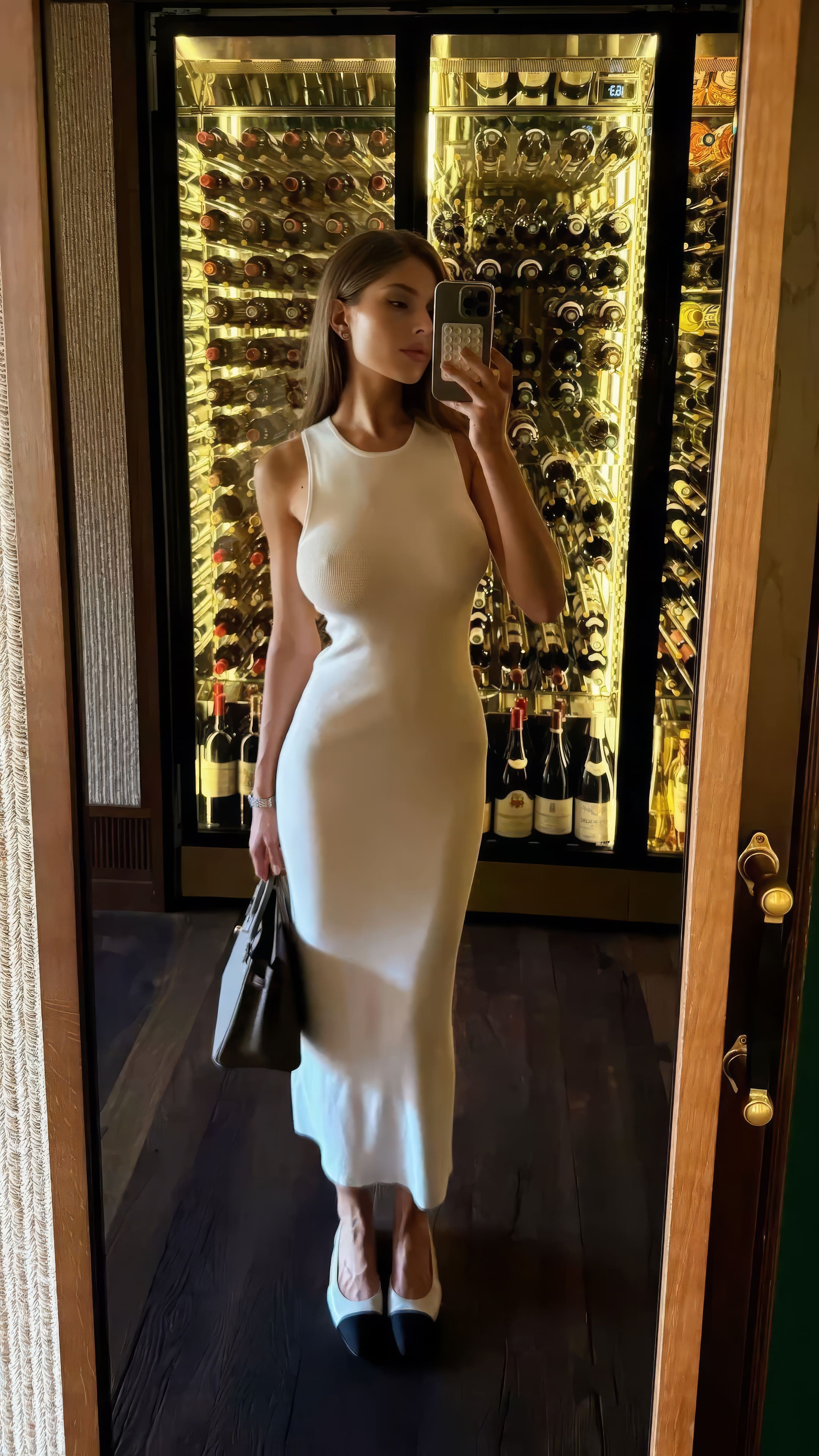
How to Fix AI Hands (and Other Common AI Image Mistakes)
MANROE Team · September 4, 2026
The fastest way to fix AI hands is to regenerate the image with a different seed, then fix what's left with inpainting on the hand region alone. If a hand still won't behave, change the pose so it's simplified — in a pocket, holding an object, or out of frame. Hands remain the single most common giveaway in AI images, along with text, teeth, and jewellery. This guide covers why it happens and how to fix each one.
Why does AI get hands wrong?
Hands are the hardest thing in the frame, for reasons that have nothing to do with the model being "bad at drawing":
They're tiny in the training data. Faces dominate photographs; hands usually appear small, blurred, or partly hidden behind objects. The model has seen far fewer clean examples.
They're endlessly variable. A face has a fixed layout. A hand has 27 bones, folds in on itself, overlaps other fingers, and looks completely different from every angle.
The model has no 3D understanding. As scientists have explained when asked why AI-generated hands look so wrong, an image model learns how hands appear in 2D pictures, not how they're built or what they do. It has no concept of "four fingers plus a thumb, attached to a wrist."
They're usually doing something. Holding a glass, a phone, another person's hand. Occlusion is exactly where prediction breaks down.
Modern models are dramatically better than the six-fingered horrors of 2023 — but hands still fail more often than anything else, and they fail in ways viewers notice instantly.
The cheapest fix, and the one to try first. Same prompt, different seed, and roughly one in three attempts will produce correct hands. Generate four variations before you start troubleshooting anything.
2. Inpaint the hand only
The highest-quality fix. Mask just the hand region and regenerate that area — the rest of the image stays untouched. This is inpainting, and it's the technique professionals use, because the model gets to solve a much smaller problem with the surrounding context already fixed.
3. Simplify the pose in the prompt
Ask for hand positions that are easy to render correctly:
Instead of
Ask for
Complex gestures, counting fingers
Hands in pockets
Interlocked or clasped fingers
One hand holding a simple object — a cup, a phone, a bag
Hands near the face
Arms relaxed at the sides
Two people holding hands
Hands out of frame, or behind the back
Half of "unfixable" hands are really a pose problem, not a model problem.
4. Crop it out
Not every photo needs hands. A tighter portrait crop — head and shoulders, or waist-up with arms down — removes the problem entirely and often produces a stronger image anyway.
5. Generate larger, then downscale
Hands break most when they occupy a small pixel area. Generating at higher resolution gives the model more room to resolve fingers, and downscaling afterwards hides any remaining softness.
6. Use negative prompts
Where the tool supports them: extra fingers, fused fingers, deformed hands, missing fingers, mutated hands, malformed limbs. Not a cure, but it measurably lowers the failure rate.
7. Keep the hand in shadow or motion
Real photographs have soft, motion-blurred, partly shadowed hands all the time. Prompting for a candid moment gives you a naturally forgiving rendering instead of a sharp, scrutinised one.
The other AI mistakes that give an image away
Hands get the attention, but these are just as common — and each has a specific fix.
Mistake
Why it happens
How to fix it
Garbled text on signs, labels, books
Models render the look of letters, not language
Avoid asking for text; crop it out; inpaint or add real text afterwards
Too many / merged teeth
Small repeating features in a tiny area
Prompt a closed-mouth or soft smile; inpaint the mouth
Melted or asymmetric ears
Often half-hidden by hair, rarely the subject
Hair covering the ears, or a three-quarter angle
Mismatched eyes
Each eye is generated semi-independently
Inpaint one eye; regenerate; avoid extreme close-ups
Jewellery that fuses into skin
Thin, high-contrast objects in low pixel area
Ask for minimal jewellery; inpaint the wrist and fingers
Warped backgrounds — bent architecture, impossible furniture
Attention goes to the subject, not the scene
Shallow depth of field, blurred background, simpler locations
Broken reflections in mirrors and windows
The model has no physics of reflection
Avoid mirrors, or inpaint the reflected area separately
Plastic, poreless skin
Over-smoothing from "perfect" and "flawless" cues
Prompt for natural skin texture and visible pores
Impossible light — shadows going two ways
Light is imitated, not simulated
Name a single light source: "soft window light," "golden hour"
Repeating patterns in crowds and fabric
Tiling artefacts in large uniform areas
Fewer background people; vary the texture description
The failure looks different depending on what you're generating, and so does the fix.
AI art hands
Photorealistic AI hands
Typical failure
Extra or fused fingers, melted shapes
Correct count, wrong anatomy — bent thumbs, rubbery joints
Why
Stylised training data is looser about structure
Photographic detail makes small errors obvious
Best fix
Regenerate; the style tolerates variation
Inpaint — the surrounding photo stays intact
Prevention
Keep hands out of the composition
Simple poses, hands partly out of frame
In illustration you can often fix a hand by restating the style. In a photo you can't, because every neighbouring pixel has to stay consistent — which is why inpainting is the professional's tool for realistic work.
Why AI messes up hands more than faces
Faces have a fixed layout the model has seen tens of millions of times, always as the subject of the photo. Hands appear small, half-hidden, in motion, from any of a hundred angles, usually wrapped around an object. The model learned how hands look in two dimensions, not how they're built — so it predicts a plausible texture rather than a structure with 27 bones in it.
That's also why hand quality improved far more slowly than face quality: more training data doesn't fix a problem caused by occlusion and variability.
Can you fix AI hands automatically?
Partly. Dedicated hand-fixing and inpainting features exist in most serious tools, and they work by regenerating the masked region with the rest of the image as context — which is the same thing you'd do manually, just faster. What no tool does reliably is fix a hand without touching it: if the fingers are wrong, that area has to be regenerated one way or another.
The practical order stays the same: new seed first, inpaint second, change the pose third.
A 60-second check before you post an image
Zoom to 100% and look, in this order:
Hands — count the fingers, check the thumb is on the right side
Teeth — count them, check they're even
Eyes — same size, same direction, matching reflections
Ears and earrings — both present, both plausible
Any text in frame — signs, labels, screens
Where objects meet the body — straps, watches, rings, glasses arms
The background — straight lines that should be straight
Shadows — all falling the same way
Eight checks, under a minute. It catches almost everything a viewer would catch.
Does the tool you use matter?
Yes, more than most tips do. Anatomy handling varies a lot between models, and a platform that keeps a consistent character across images also keeps hands more consistent, because it isn't re-inventing the person every time. If you're generating a lot of images of the same person, that difference compounds — see the best AI image generators for realistic people and how to create a consistent AI character.
Frequently asked questions
Why are AI hands so bad?
Hands are small in training images, endlessly variable in shape, usually partly hidden, and the model has no 3D understanding of anatomy. It reproduces how hands appear in photos, not how they work.
Is there an AI hand fixer?
Inpainting is the hand fixer. Mask the hand, regenerate just that region, and the rest of the image stays untouched — most serious image tools include it.
Why does AI still mess up hands in 2026?
Because hands are small in training images, extremely variable in shape, usually partly hidden, and the model has no 3D understanding of anatomy. Quality has improved enormously, but hands remain the hardest part of the human body to render.
How do I fix AI hands without regenerating the whole image?
Inpaint them. Mask only the hand area and regenerate that region, leaving the rest of the image untouched.
What negative prompt works for hands?
Something like extra fingers, fused fingers, deformed hands, missing fingers, mutated hands. It reduces failures but doesn't eliminate them — regeneration and inpainting still do the heavy lifting.
Which AI images are hardest to get right?
Anything with interlocking fingers, two people touching, readable text, mirrors, or crowds. Simplify or crop those out whenever the shot allows.
How can I tell if an image is AI-generated?
Check hands, teeth, ears, text, jewellery, reflections, and shadow directions. Skin that's completely poreless and lighting that comes from two directions at once are also strong tells.
Is it faster to fix a bad image or generate a new one?
Generate a new one first — a fresh seed costs seconds. Reserve inpainting for images you actually want to keep.
Get it right in fewer attempts
AI hands aren't a mystery, they're a known weak point with known workarounds: regenerate, simplify the pose, inpaint what's left, and check before you post. Do those four things and the tell that gives AI images away stops showing up in yours.
Want images that need fewer fixes in the first place? Create your AI photos with MANROE — one consistent character, realistic detail, and a lot fewer regenerations.