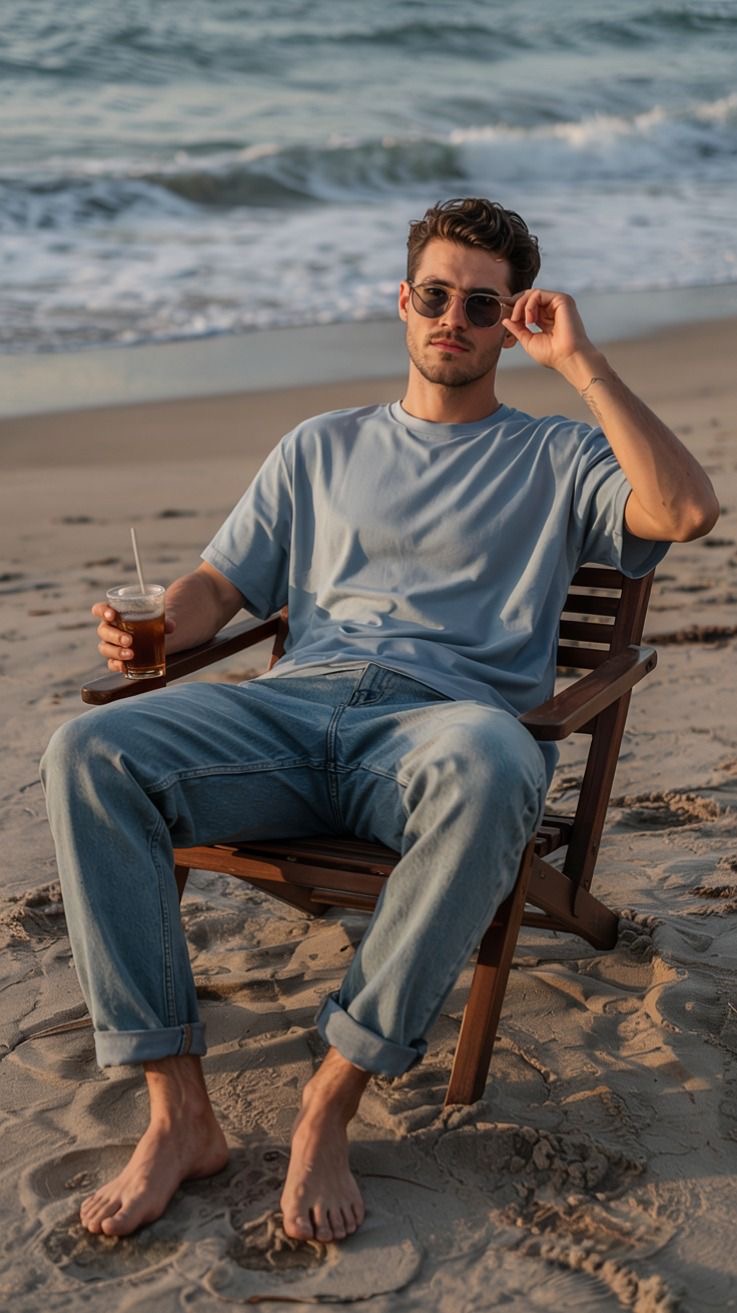
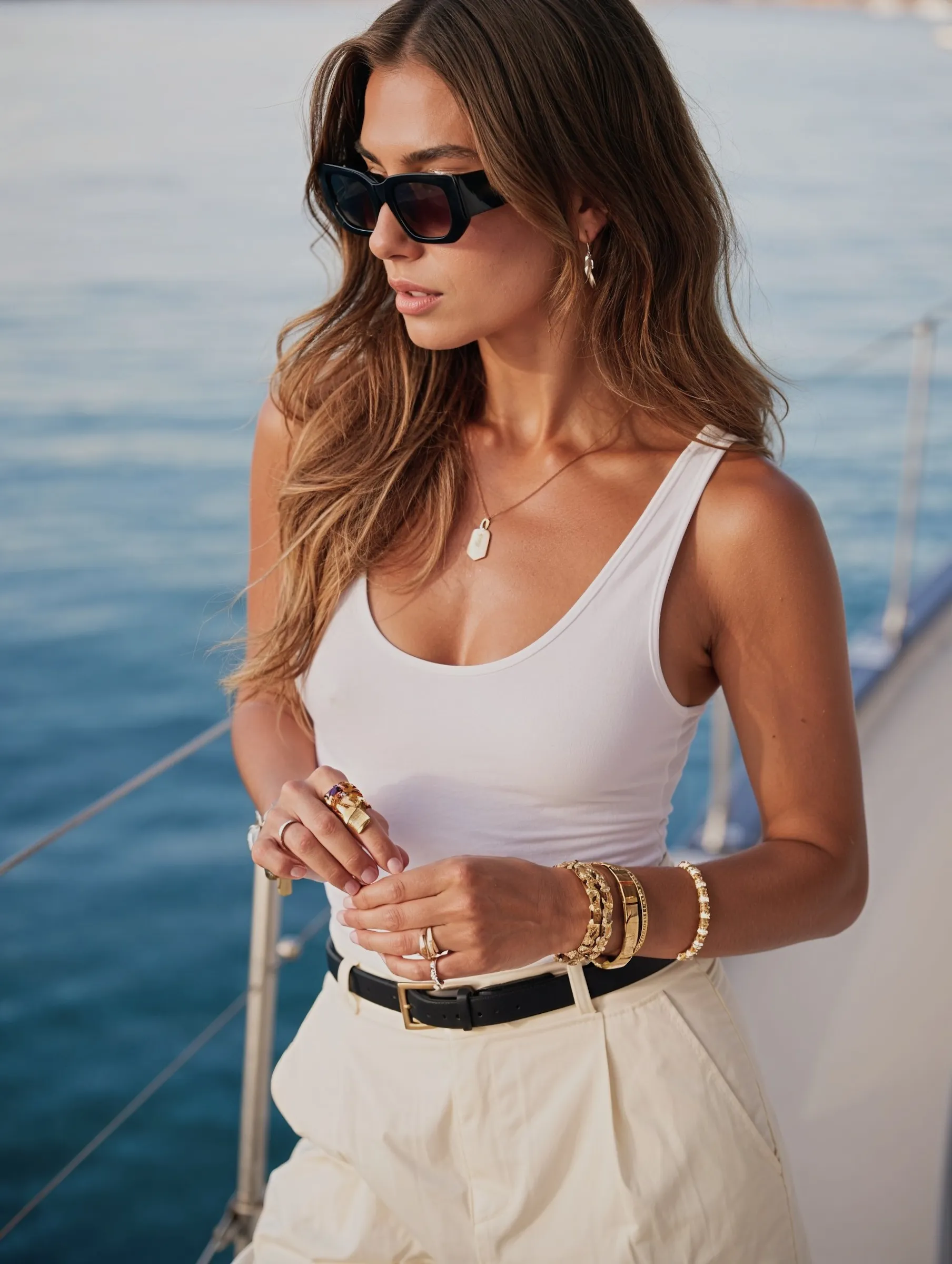
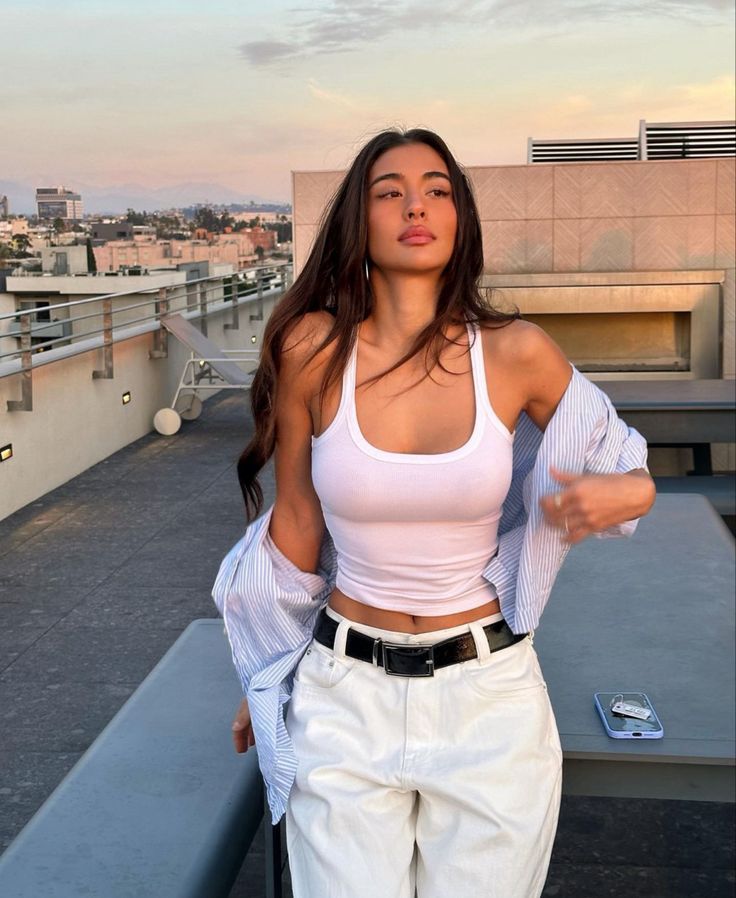
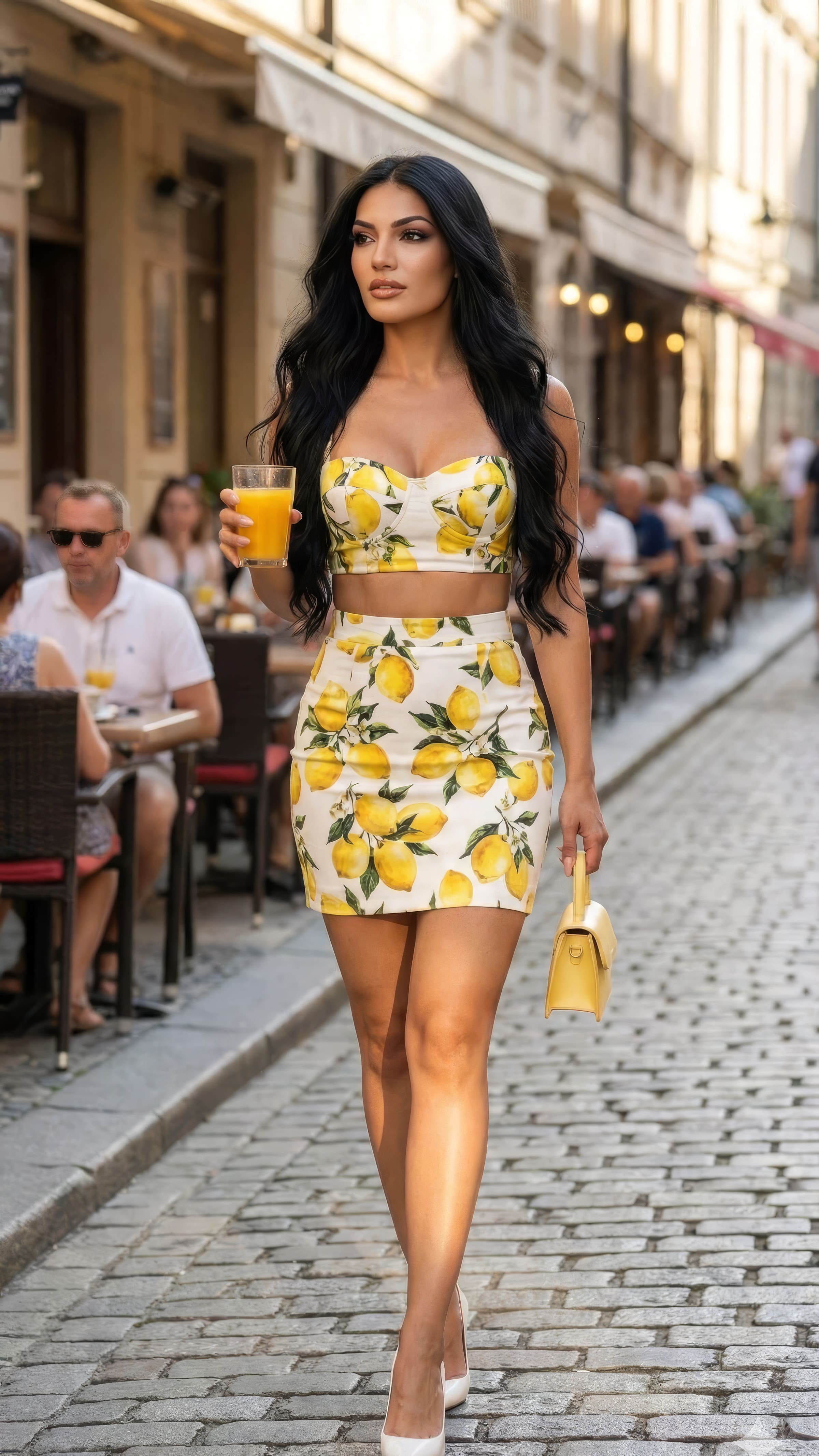
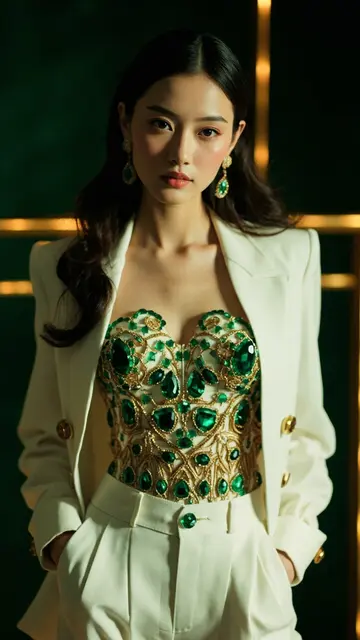
To make an AI avatar of yourself, upload 5–15 photos of your face, let the model learn it, then generate a portrait in the style and setting you want — realistic, editorial, or illustrated. It takes about ten minutes. The harder question is which kind of avatar you need, because a LinkedIn avatar, a Discord avatar and a talking-head video avatar are three different products.
What is an AI avatar?
An avatar is the image that represents you online. An AI avatar is one generated from your own photos rather than taken with a camera — so you can have a consistent, deliberate version of yourself across every platform, in any outfit or style, without a shoot.
It's worth separating three things people call by the same name:
What it is
Used for
AI photo of yourself
A realistic photo of you in a scene that never happened
A photo with a strong look — colour, drama, concept
Creative profiles, music, art
Illustrated
A drawing or 3D render of you
Gaming, Discord, communities where nobody uses photos
Video avatar
You, talking, animated from a still
Course intros, explainers, pitch videos
Pick the type before you pick a prompt. Most disappointing results come from generating a dramatic editorial portrait and then trying to use it where a plain headshot belonged.
How to make an AI avatar of yourself
1. Choose where it will live
A Slack square crop at 48 pixels and a full-width LinkedIn banner have opposite requirements. Decide the destination first: it determines framing (head and shoulders vs waist-up), background (plain vs contextual), and whether your face needs to read at thumbnail size.
2. Upload 5–15 reference photos
Clear, recent, varied angles, even lighting, no sunglasses or hats, no heavy filters. Five sharp references beat fifty blurry ones — this step sets the ceiling on how much the avatar looks like you.
3. Generate the base, then the variations
Make the primary avatar first. Then — and this is the part most people skip — generate the same face in two or three other formats: a square crop, a horizontal version, a version on a plain background. One avatar is a picture; a set is an identity you can deploy anywhere.
4. Check it at the size it will actually be used
Shrink it to 64 pixels. If your face stops being recognisable, the framing is too wide. Profile pictures are seen small, almost always.
5. Keep the same face everywhere
The point of an avatar is recognition. If your Slack, LinkedIn and X photos are three different generated people, you've lost the only thing an avatar is for. Lock one character and reuse it — the same principle as creating a consistent AI character.
Realistic or stylised — which to choose
Choose realistic if
Choose stylised if
It's for work, clients, or anything with a hiring decision attached
It's for a creative or gaming context
People will meet you in person
Your audience doesn't expect photos
The platform runs identity verification
You want it clearly non-photographic
One rule applies to both: a realistic avatar should look like you on a good day, not like someone else. An avatar that sets up a surprise in the first video call has failed. That's also where the uncanny valley bites — a near-real face with slightly wrong skin or eyes reads as unsettling, while an openly stylised one never does.
Prompts that work for avatars
Build each one as: subject + wardrobe + background + light + framing.
Professional headshot of a man in his 30s, charcoal blazer over a white shirt, plain light grey background, soft window light from the left, head and shoulders, 85mm, natural skin texture with visible pores.
Portrait of a woman in her late 20s, black knit sweater, softly blurred office background, even daylight, waist-up, 50mm, approachable half-smile.
Editorial avatar, dramatic side light, deep green background, bold colour contrast, 100mm, direct gaze, strong shadow on one side of the face.
Clean square profile photo, neutral expression, white background, flat even lighting, centred composition, sharp focus on the eyes.
Over-smoothed skin. The number-one tell. Always ask for visible pores and texture.
Dead eyes. Add "clear catchlights in the eyes" — it's the difference between a person and a mannequin.
Too wide a crop. The face has to survive being 64 pixels tall.
A different face on every platform. Defeats the purpose.
A dramatic avatar in a boring context. Save the editorial lighting for where it fits.
Changing your appearance, not your photography. Enhance the picture; don't swap the person.
What it costs
Option
Cost
AI avatar generator
$0–$30/month, unlimited variations
One-off AI headshot service
$30–$60 per batch
Photographer
$150–$500 per session
The real advantage isn't the price, it's that you can regenerate the whole set when you change your hair, your glasses, or your job.
Rules worth knowing
Use your own face. Generating an avatar from someone else's photos without their consent is not a grey area — in the US the TAKE IT DOWN Act, which the FTC enforces, explicitly covers digitally altered images and AI deepfakes, and platforms must remove non-consensual intimate imagery within 48 hours of a request.
Also check, before uploading anywhere: are your photos private by default, can you delete them, and is your likeness used to train shared models?
Frequently asked questions
How do I make an AI avatar of myself?
Upload 5–15 clear photos of your face to an AI avatar generator, pick the style and framing you need, and generate. Then make square and horizontal variations of the same face so it works on every platform.
Is there a free AI avatar generator?
Most tools have a free tier that's enough to test the likeness. Paid plans add higher resolution, more styles, and the volume you need for a full set.
How many photos do I need?
Five to fifteen recent, well-lit, varied shots. Quality matters far more than quantity.
What's the difference between an AI avatar and an AI photo?
An AI photo is any realistic image of you in a scene. An avatar is the one image you use as your identity — tighter framing, built to be recognisable at small sizes.
Can I use an AI avatar on LinkedIn?
Yes, as long as it genuinely looks like you. It's the same standard as any profile photo: people should recognise you from it.
Should my avatar be realistic or cartoon?
Realistic for professional contexts and anywhere you'll meet people. Stylised for gaming and creative communities, where photos aren't the norm anyway.
How do I keep the same avatar across platforms?
Generate from a locked character rather than from scratch each time, then export the crops you need from that one identity.
Make one, then make the set
An avatar isn't one image — it's the same recognisable face, correctly framed for every place you show up. Decide where it lives, upload a handful of good references, generate the base, then build the variations around it.
Create your AI avatar with MANROE — upload a few photos once and generate every version of yourself you need, with the same face every time.