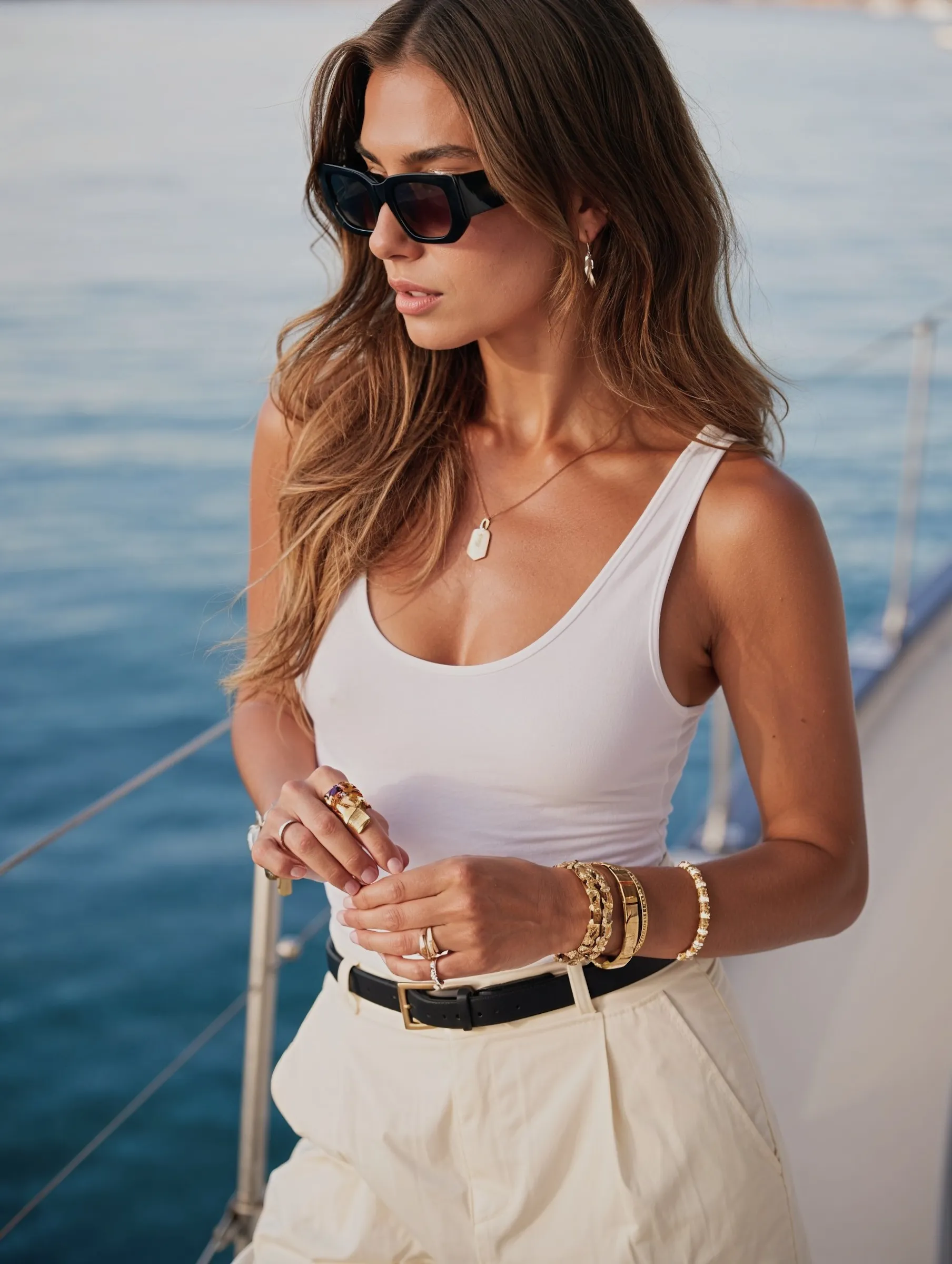
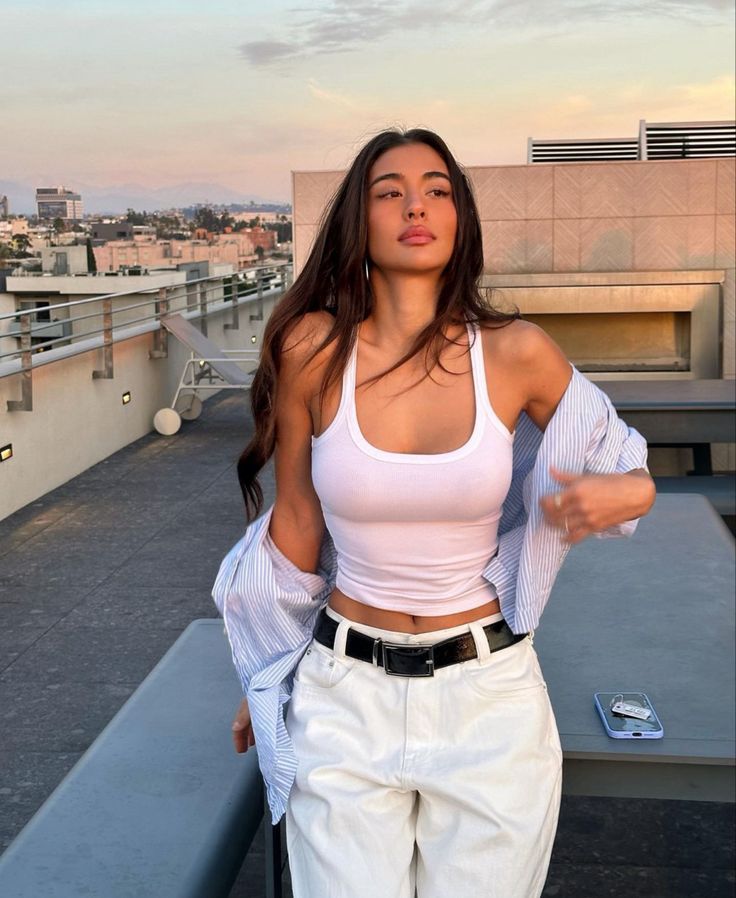
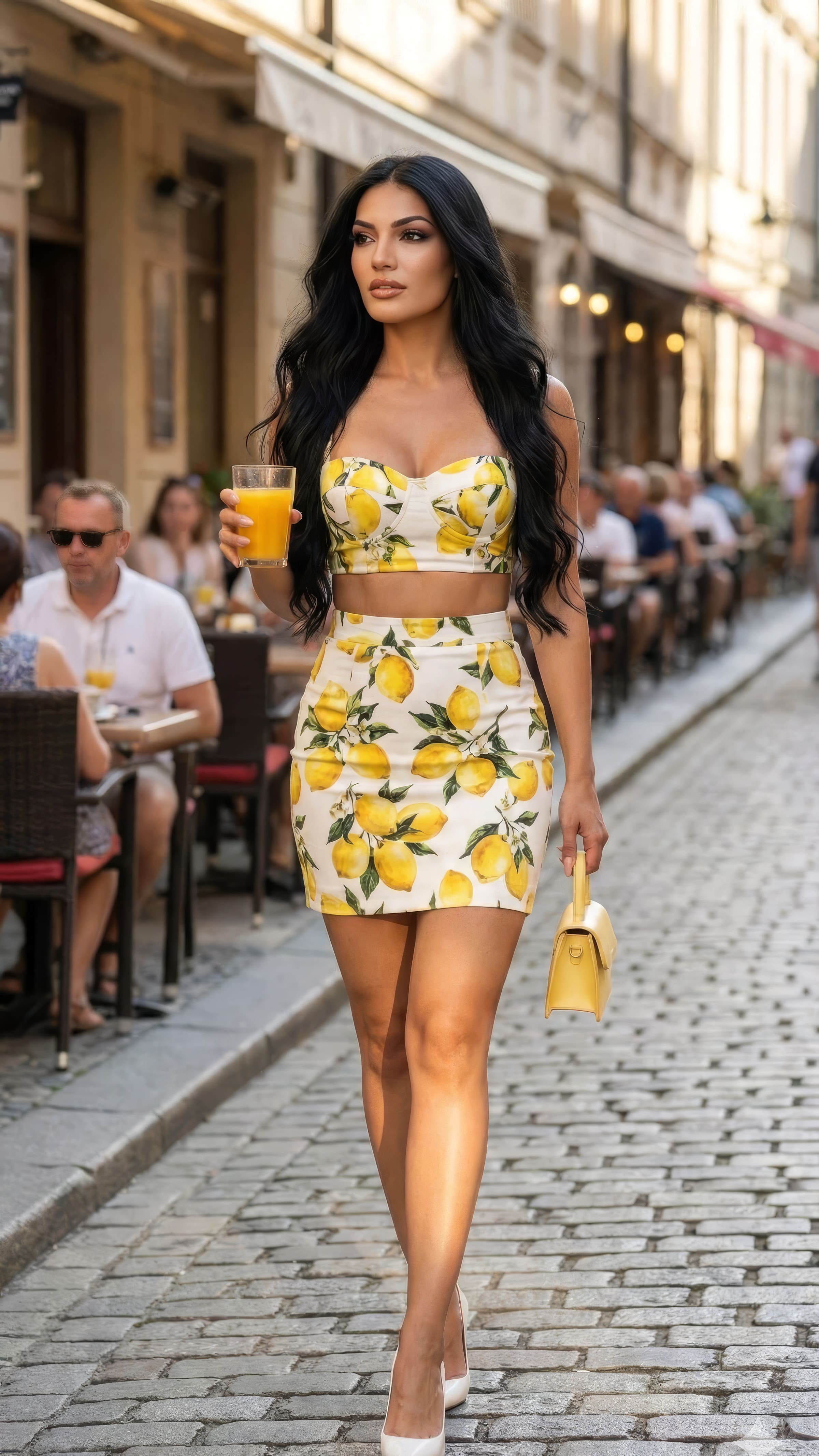
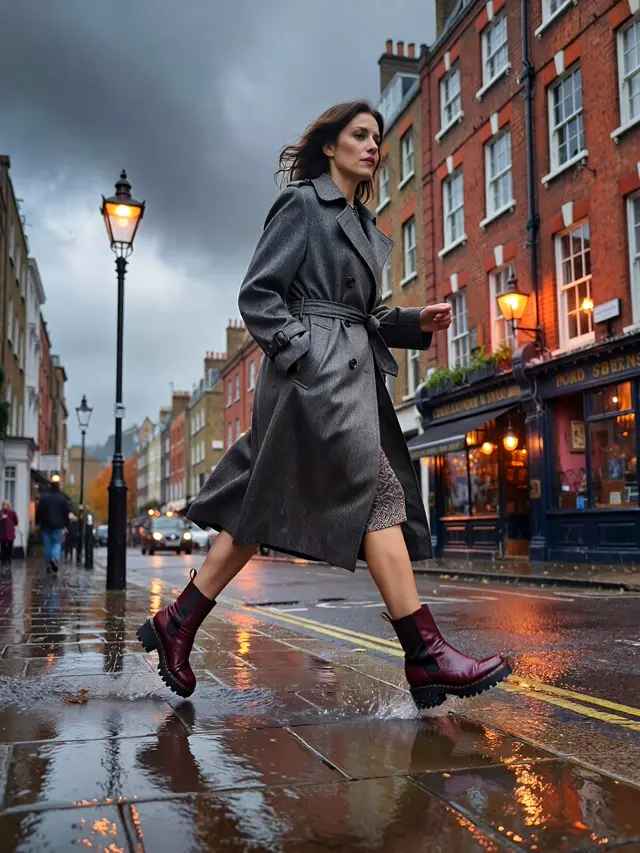
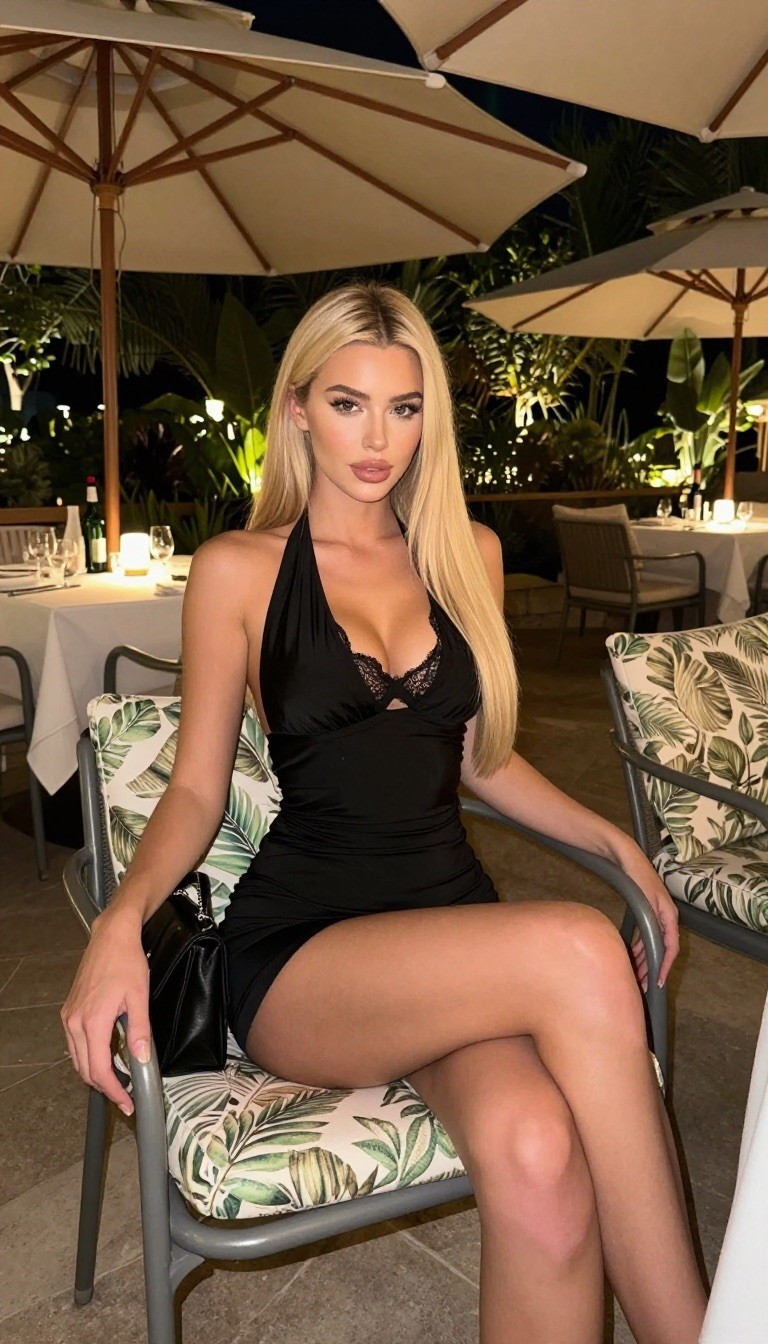
AI video prompts work differently from image prompts: the picture already contains the scene, so the prompt describes the motion — what moves, how the camera moves, and how fast. Describe the scene again and the model fights the image; describe the movement and it animates it. Below are 20 copy-paste image-to-video prompts, a camera-move glossary, and the failures to design around.
Image prompts vs video prompts
Image prompt
Video prompt
Describes
Who, what, where, light
What moves, how the camera moves
Detail that helps
Wardrobe, lens, lighting
Direction, speed, what stays still
Detail that hurts
—
Re-describing the scene already in the frame
Length
Long is fine
Short is better — one or two actions
The single most common mistake is writing an image prompt into a video field. The model then tries to re-generate the scene instead of moving it, and the face drifts.
If you only remember one thing: static camera plus small subject motion fails least often.
What breaks in AI video, and how to avoid it
Faces drift over long clips. Keep clips to 3–5 seconds and generate several short ones instead of one long one.
Hands morph the moment they do anything complex. Keep them still, in pockets, or holding one simple object — same rule as in fixing AI hands.
Too many instructions produce mush. One subject action plus one camera move. Not three.
Physics breaks on anything being poured, thrown, or stepped over. Avoid.
Text in frame warps in motion even when the still was clean. Crop it out.
Re-describing the scene makes the model rebuild it. Say what moves, not what's there.
How long should a clip be?
Three to five seconds is the sweet spot for current models — long enough to use, short enough that the face holds. For a longer piece, stitch several short clips rather than asking for one continuous shot. Standard delivery is 24–30 frames per second; slow-motion looks are better requested as "slow, controlled movement" than as a frame-rate number.
Where these clips actually go
Short vertical clips are the format for Reels, TikTok and Shorts, and the first second decides whether anyone sees the rest — which is why push-in and reveal prompts work well as openers. For a full walkthrough of turning your own photos into clips, see how to make AI videos of yourself. If you're producing for brands rather than yourself, AI UGC content covers that format.
The input image matters as much as the prompt: a clean, well-lit still with simple hands animates far better than a busy one. Our prompt libraries for women and men cover getting that still right, and character consistency keeps the same face across every clip you make.
Frequently asked questions
What is an AI video prompt?
An instruction describing motion for an image-to-video model: what the subject does, how the camera moves, and how fast. It animates an existing image rather than creating a new scene.
How do I write a good image-to-video prompt?
Name one subject action, one camera move, the pace, and what should stay unchanged. Keep it to one or two sentences.
Why does the face change during the video?
Clips that run too long, or prompts that re-describe the scene, push the model to re-generate rather than animate. Shorten the clip and describe only the motion.
What camera movements work best in AI video?
A static camera with small subject movement is the most reliable. Slow push-ins and pull-backs are next. Fast or complex moves fail most often.
How long can AI videos be?
Most current models hold up for 3–10 seconds per generation. Build longer pieces by stitching several short clips.
Can I use my own photos as the starting frame?
Yes — image-to-video takes any still, including AI photos of yourself. A clean, sharp, well-lit frame with simple hand positions gives the best result.
Start with motion, not description
The whole shift from image prompting to video prompting fits in one line: the picture is already made, so describe what happens next. One action, one camera move, a short clip — then stitch.
Create your AI videos with MANROE — generate the still and animate it from the same consistent character, so every clip is recognisably the same person.