How to Make an AI Photoshoot of Yourself (2026 Guide)
MANROE Team · July 21, 2026
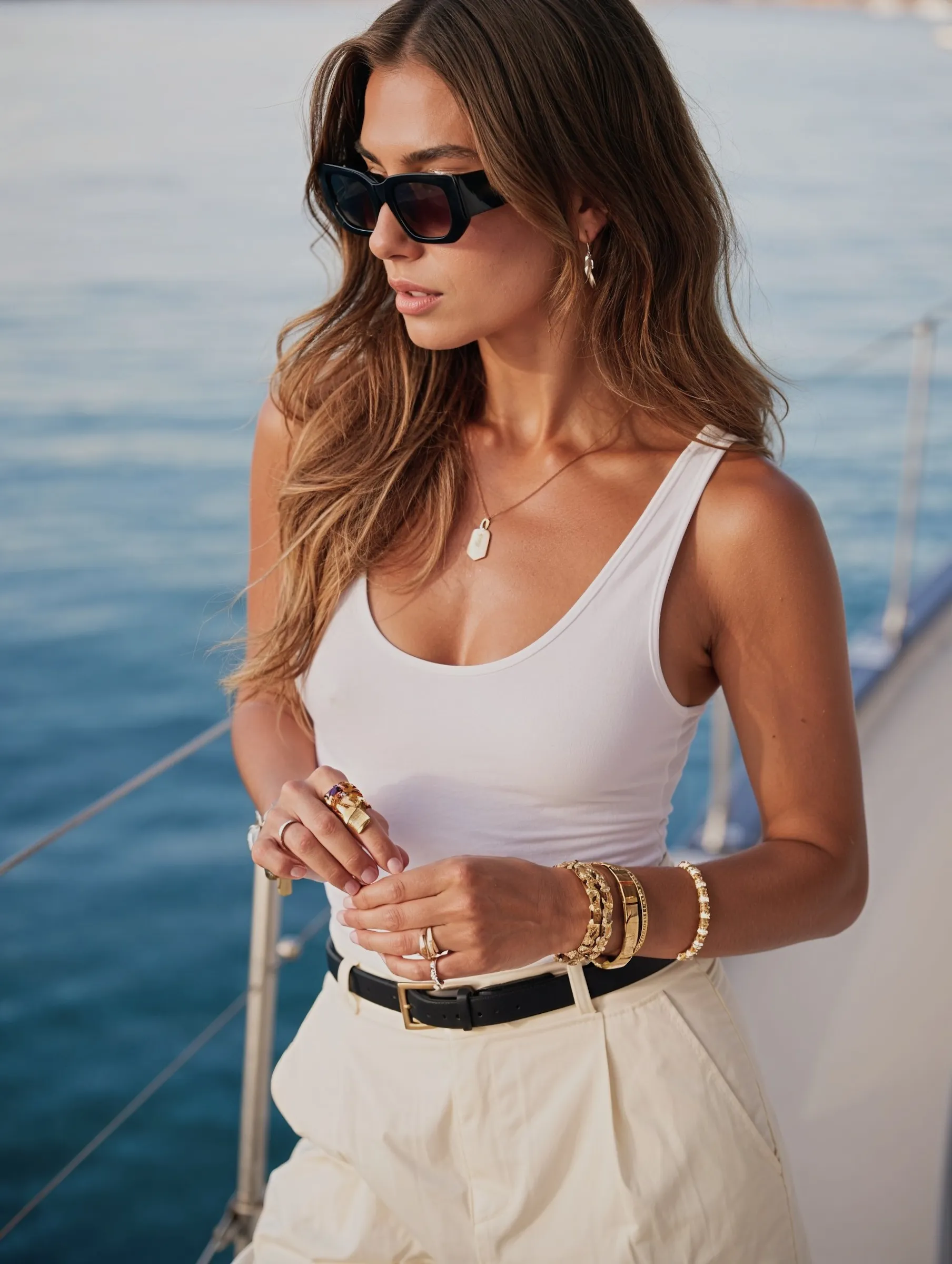
An AI photoshoot lets you produce an entire set of professional-looking photos of yourself — multiple outfits, locations, and lighting setups — from a handful of selfies, in minutes. Not one picture: a full shoot. No studio rental, no photographer's day rate, no hair and makeup call time.
This guide covers exactly how to run your own AI photoshoot: planning the concept, choosing looks, generating the set, and curating the final selection so it looks like a real session.
What is an AI photoshoot?
An AI photoshoot is a generated series of photos featuring your real face, styled around a theme — like a studio session, a city street shoot, a travel set, or a seasonal campaign. You upload reference photos once, the AI learns your features, then you direct the scenes: wardrobe, backdrop, lighting, and mood.
The difference from a single AI photo is scope. A photoshoot is a cohesive set — 10, 20, 50 images that all look like the same person on the same day, with a consistent visual style. It's the same core tech behind making AI photos of yourself, scaled up into a full session.
Why people run AI photoshoots in 2026
Cost. A professional portrait session typically runs $150–$500+, and full campaign shoots run into the thousands. An AI shoot costs a subscription.
Unlimited looks. One real shoot gets you one location and a couple of outfits. An AI shoot gets you as many as you want.
No logistics. No scheduling, travel, permits, or weather.
Instant reshoots. Don't like a frame? Regenerate it, don't rebook it.
It's gone mainstream. Major brands now run fully AI-generated campaigns — fashion retailer Mango launched an entire ad campaign built with AI-generated models, signalling how normal this has become commercially.
How to make an AI photoshoot of yourself, step by step
Step 1: Upload strong reference photos
Everything depends on this. Use 5–15 clear, well-lit photos of your face from several angles. No sunglasses, hats, or heavy filters. Include a couple of upper-body shots so the AI understands your proportions, not just your face. Sharp inputs = a likeness people recognise.
Step 2: Plan the shoot concept
Real photographers work from a brief — do the same. Pick one theme so the set feels cohesive:
Studio portrait — neutral backdrop, soft key light, business or smart-casual
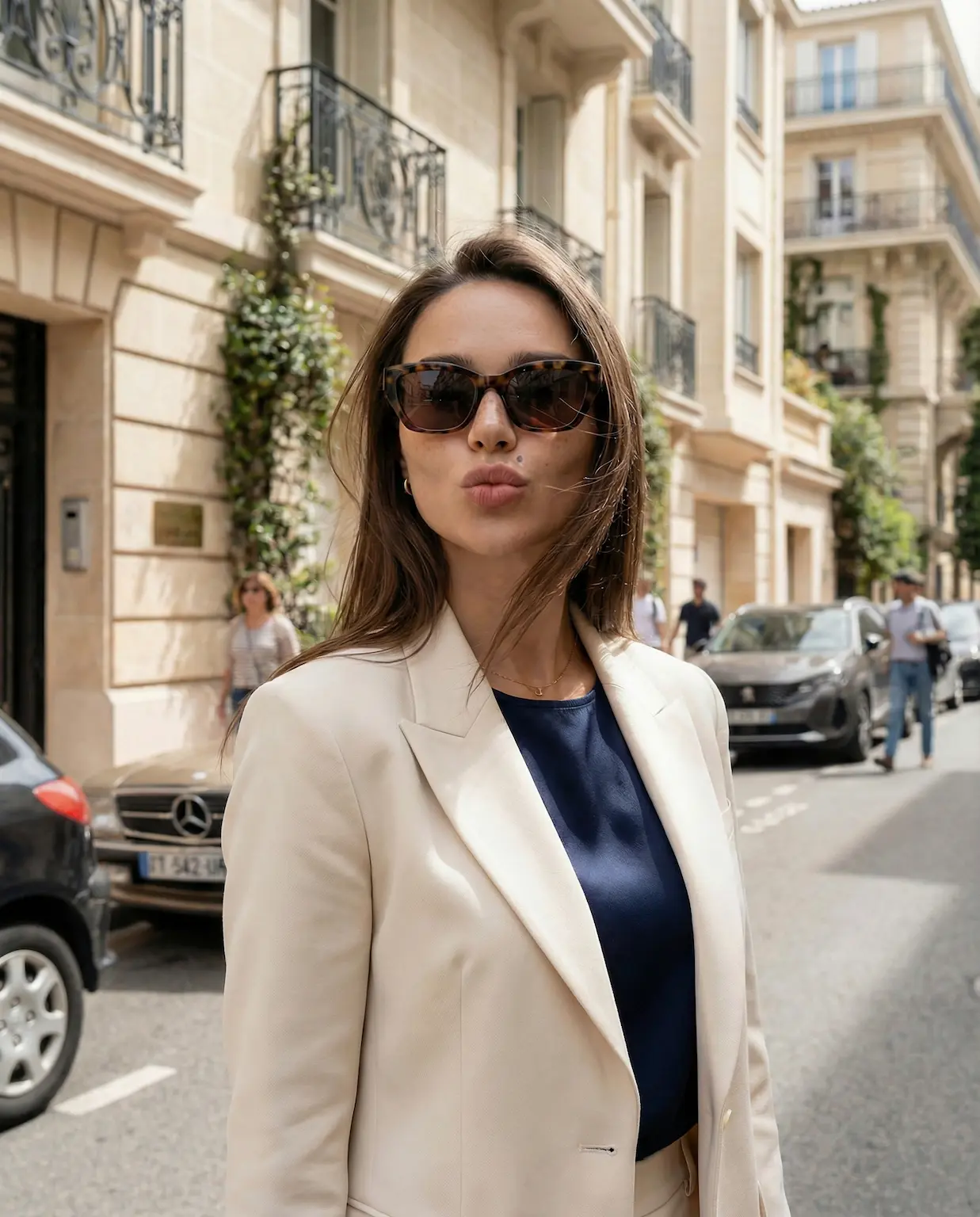
Street / urban — city backdrop, golden-hour light, casual wardrobe
Write one line describing the vibe. A clear concept produces a set that hangs together; no concept produces a random pile of images.
Step 3: Direct wardrobe, location, and lighting
For each frame, brief it like a photographer would: subject + wardrobe + setting + lighting + framing. For example: "portrait in a cream knit sweater, sunlit café window seat, soft natural light, 50mm, shallow depth of field." Name the light — "golden hour," "soft window light," "overcast" — it's the single biggest realism lever.
Step 4: Generate the full set
Batch-generate 20–40 frames, varying pose, angle, and outfit while keeping the lighting and colour style consistent. Mix close-ups, mid-shots, and wider frames — exactly like a real shoot delivers a range. Keep the same identity across all of them so the set reads as one session.
Step 5: Curate the final selection
This is what separates amateurs from good results: shoot wide, deliver narrow. From 40 frames, keep the best 8–12. Check hands, teeth, ears, jewellery, and glasses — those are where AI slips. Favour natural skin texture over heavy retouching; a little imperfection is what makes it read as a real photograph.
Popular AI photoshoot ideas
Theme
Best for
Typical look
Studio portrait
LinkedIn, CV, press
Neutral backdrop, soft light
Urban / street
Social, personal brand
City, golden hour, candid
Travel
Instagram, lifestyle
Beach, café, landmarks
Editorial fashion
Portfolio, creative
Bold styling, dramatic light
Seasonal
Holiday cards, campaigns
Autumn, winter, festive
If you specifically need a professional profile photo rather than a full set, see our guide on AI headshots for LinkedIn.
AI photoshoot vs a traditional photoshoot
Traditional shoot
AI photoshoot
Cost
$150–$500+ (much more for campaigns)
Price of a subscription
Time
Days to schedule + edit
Minutes
Outfits & locations
1–2 per session
Unlimited
Reshoots
Rebook and pay again
Regenerate instantly
Weather / logistics
A real constraint
None
A real photographer still wins for genuine moments — weddings, family milestones, documentary work. For content, profiles, and personal branding, an AI shoot is faster, cheaper, and repeatable.
Tips for a realistic AI photoshoot
Name the light. "Soft window light" or "golden hour" instantly grounds an image.
Add a camera cue. "50mm" or "85mm portrait" nudges the model toward photographic framing.
Ask for natural skin texture. Avoid "flawless" and "perfect" — they flatten detail.
Keep one visual style across the set so it looks like one session.
Vary the framing — close-ups, mid, and wide, like a real shoot.
Weak reference photos — blurry or dark inputs ruin the likeness.
No concept — a random mix of styles doesn't look like a shoot.
Over-editing — plastic skin is the fastest tell.
Keeping every frame — curate hard; quality over quantity.
Skipping the detail check — always review hands and faces before publishing.
Is it private and safe?
On a reputable platform, uploads and generated images are private by default and encrypted. Two rules: only upload photos of yourself, never someone else without their consent, and keep results honest to how you actually look if you're using them professionally.
Frequently asked questions
How many photos do I need to upload for an AI photoshoot?
Usually 5–15 clear, well-lit photos of your face from a few angles. Quality matters far more than quantity — sharp references produce a much stronger likeness.
How long does an AI photoshoot take?
Minutes. Once your reference photos are uploaded, generating a full set of 20–40 frames takes a fraction of the time it takes to schedule a real session.
Will the photos actually look like me?
Yes, if your references are good. The likeness comes directly from what you upload — clear, evenly lit inputs produce a face people recognise as unmistakably you.
Can I use AI photoshoot images commercially?
Generally yes on creator-friendly platforms, provided the images are of your own likeness. Always check your platform's licensing terms for commercial use.
How much does an AI photoshoot cost?
Far less than a studio session ($150–$500+). Most platforms charge a subscription, and you can generate multiple full shoots from a single upload.
Run your first AI photoshoot
You don't need a studio, a photographer, or a free weekend to get a full set of great photos of yourself. Upload a few good references, pick one clear concept, generate wide, and curate down to the best frames.