How to Generate Realistic People With AI (2026 Guide)
MANROE Team · July 4, 2026
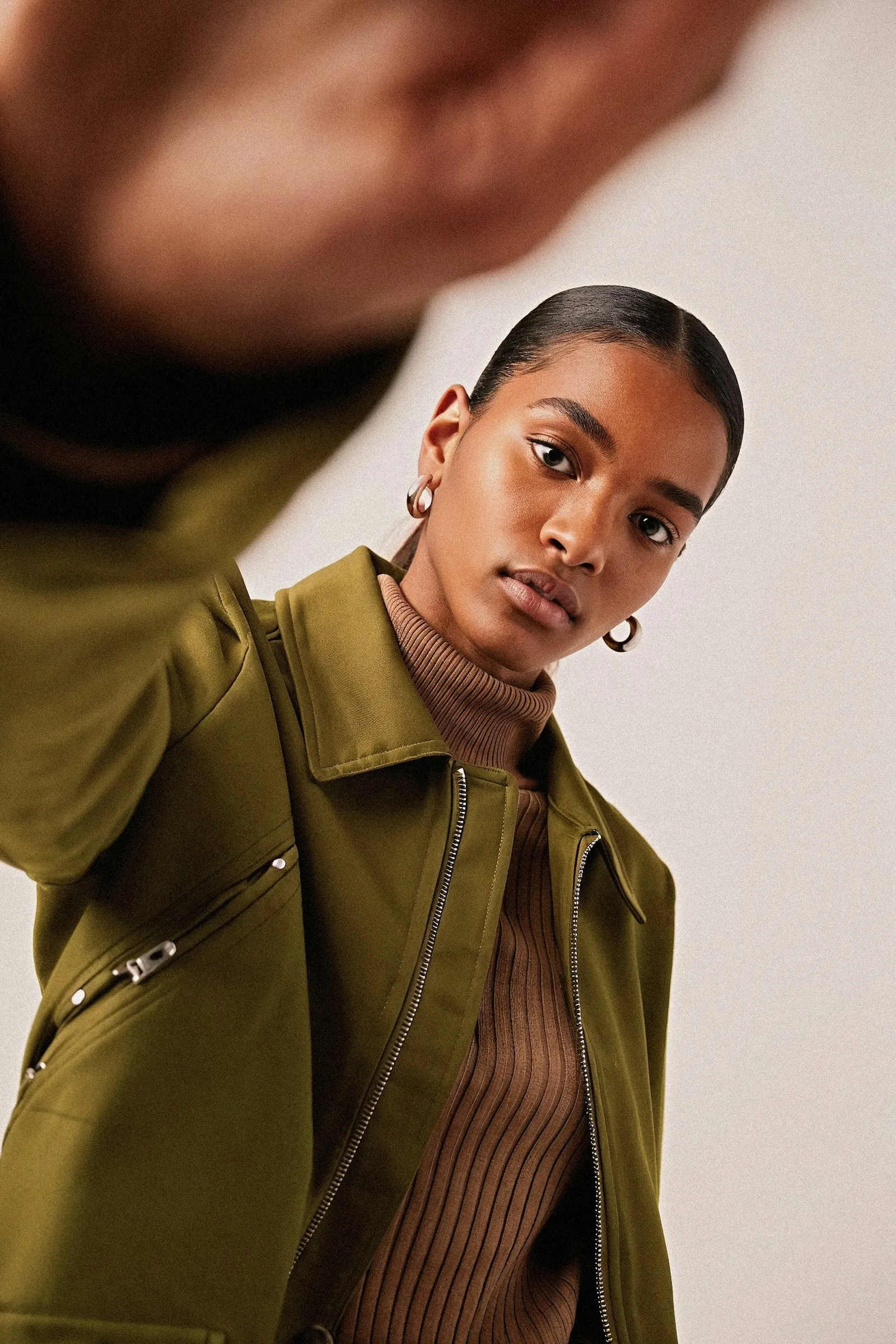
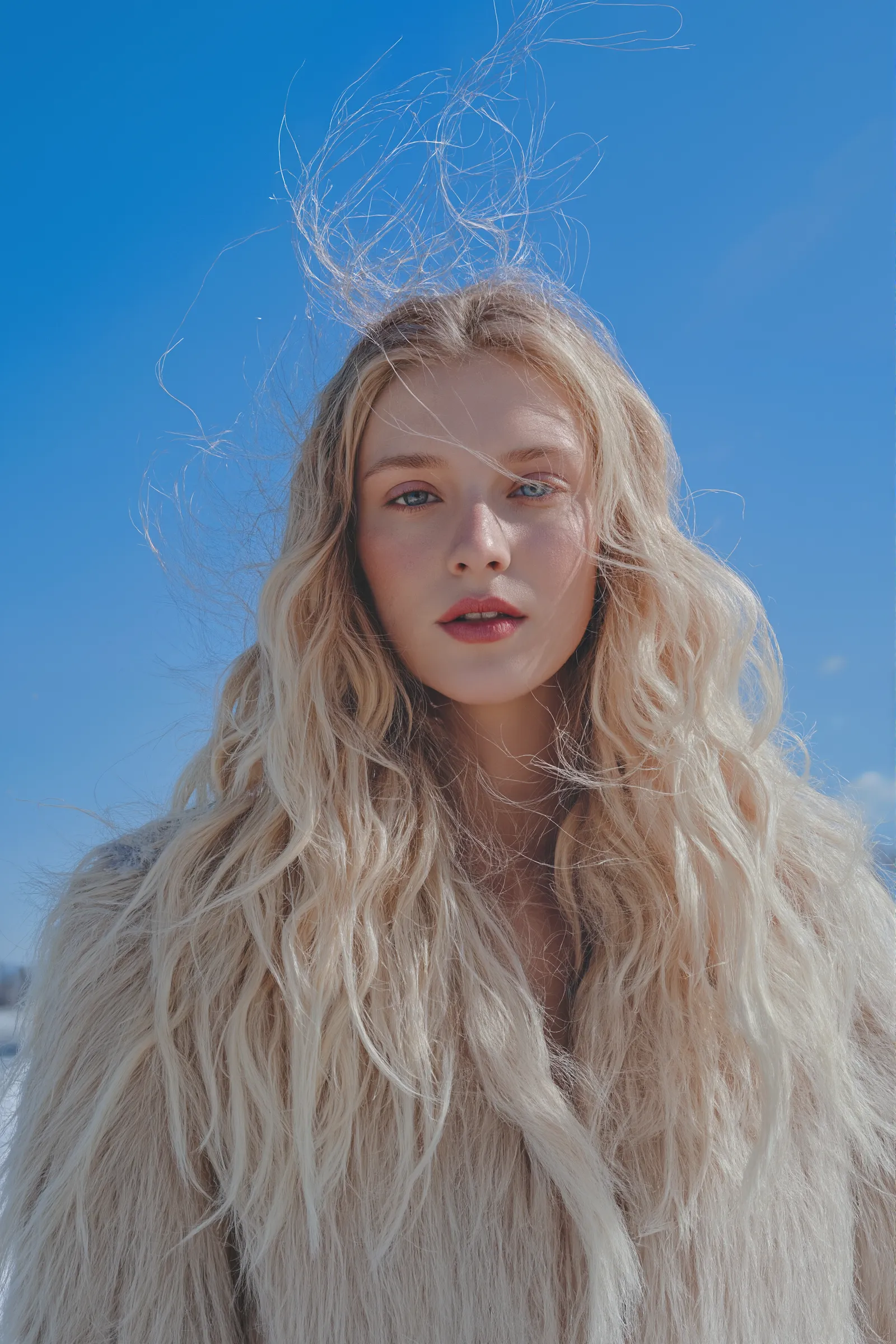
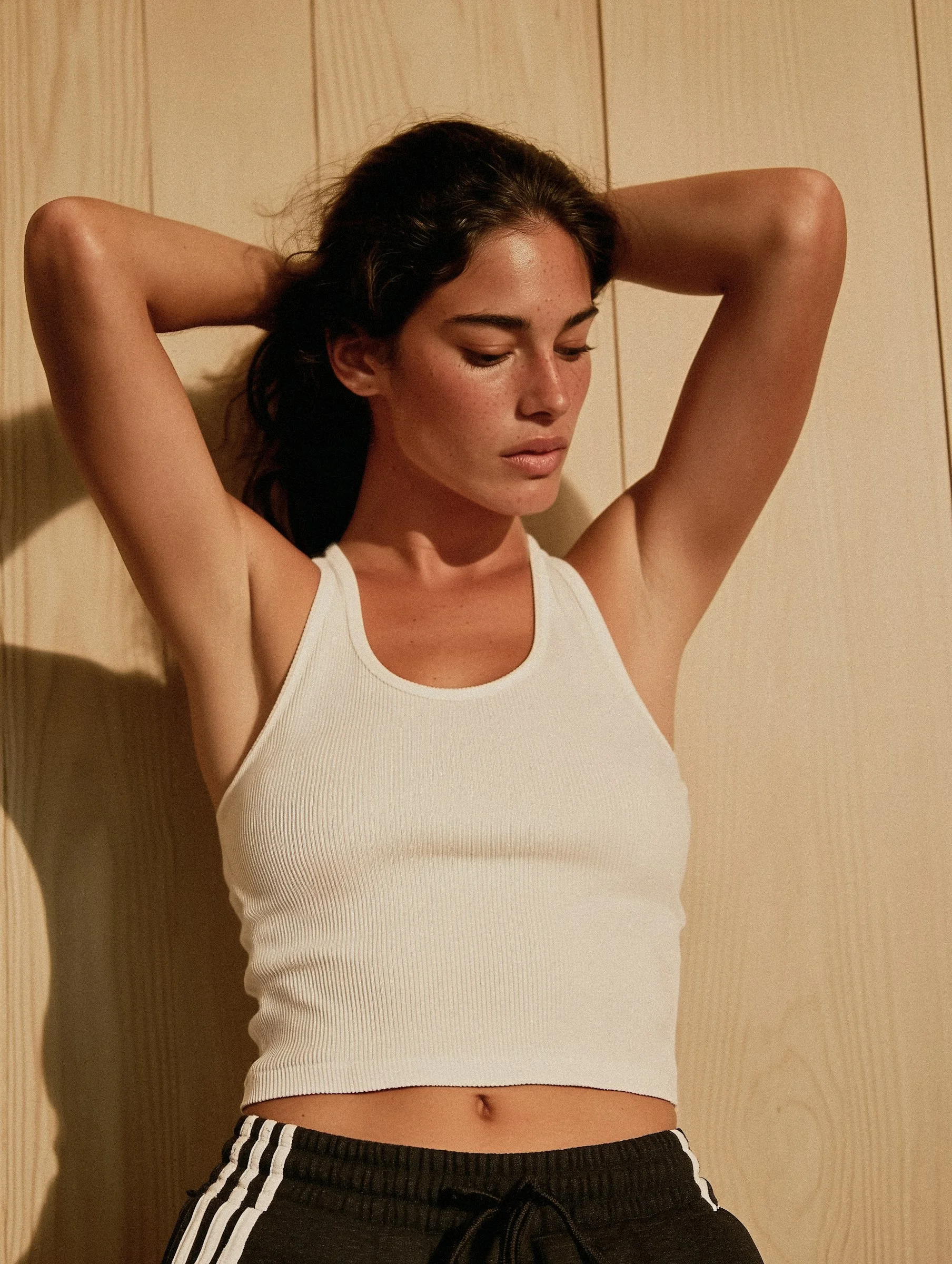
AI-generated people have crossed the line from "obviously fake" to "wait — is that a real person?" In 2026, you can generate realistic people with AI — complete with natural skin texture, believable lighting, and a consistent face across every shot — in a matter of minutes. No camera, no studio, and no model required.
This guide breaks down exactly how it works: what makes AI-generated humans look real, the prompts and settings that get you there, and how to keep the same person recognizable from one image to the next.
What does it mean to generate realistic people with AI?
Generating a realistic person with AI means creating a photorealistic human — a face, a body, an outfit, a setting — from a text description instead of a photograph. Modern image models have been trained on billions of real photos, so they understand how light falls on skin, how fabric folds, and how a candid moment actually looks.
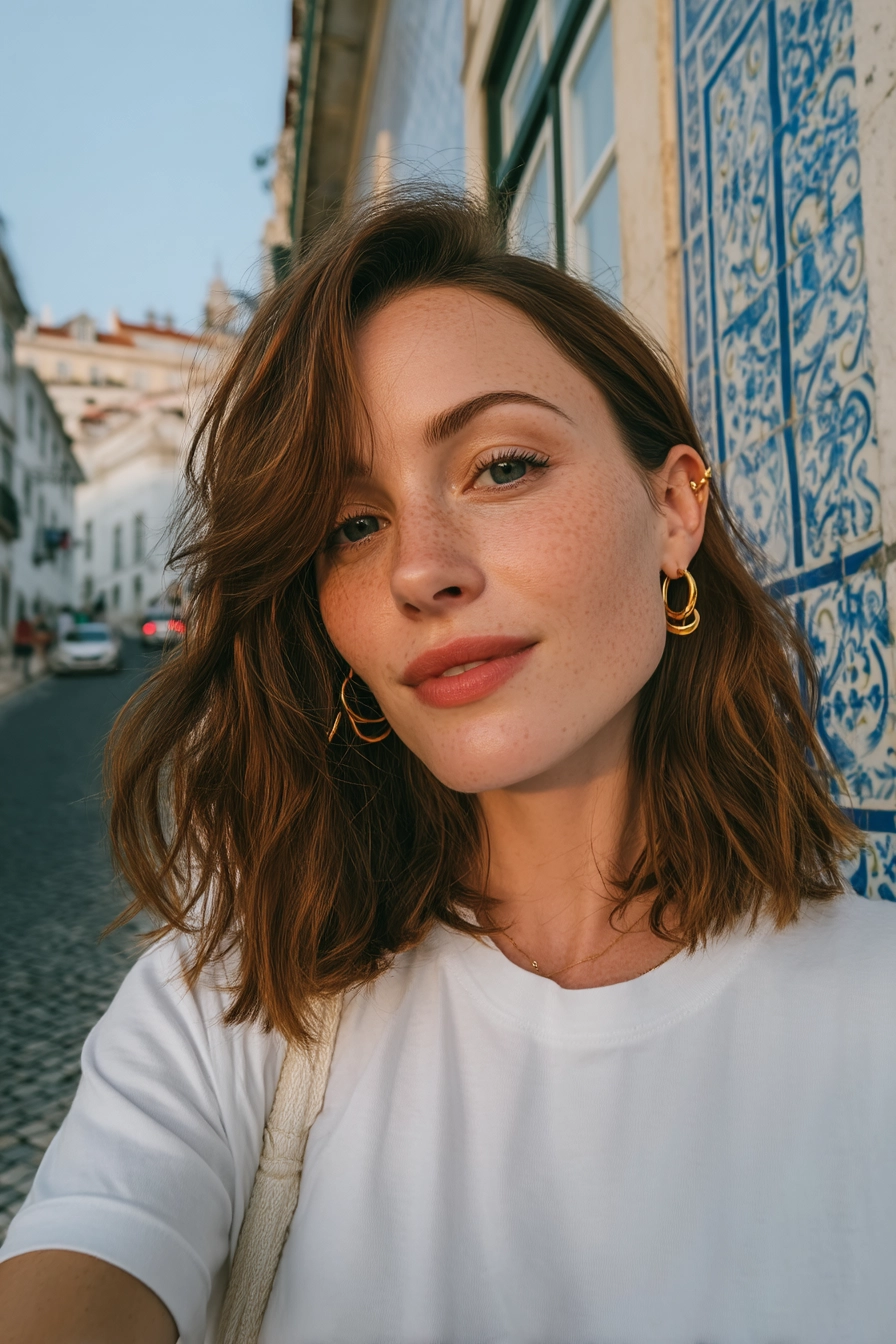
The result isn't a cartoon or an airbrushed render. Done well, it's indistinguishable from a photo taken on a real camera — freckles, flyaway hairs, soft shadows and all.
Why AI-generated people look so real in 2026
A few things came together to make today's results so convincing:
Better base models. The latest models render skin, eyes, and hands far more accurately than the versions from just two years ago.
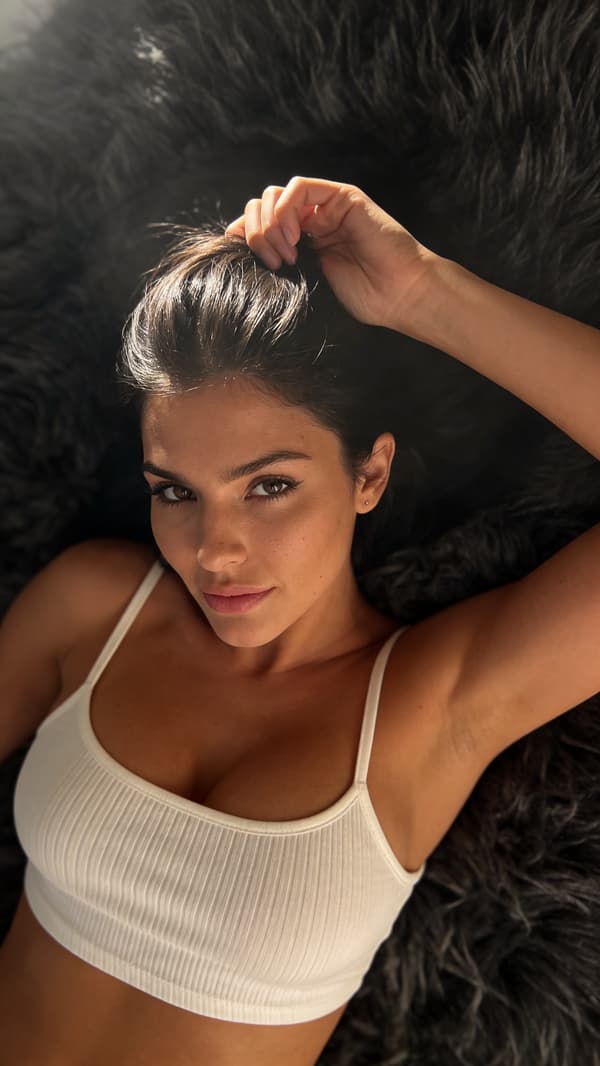
Micro-detail. Pores, freckles, fine hair, and subtle skin tones are what sell realism — and modern models nail them.
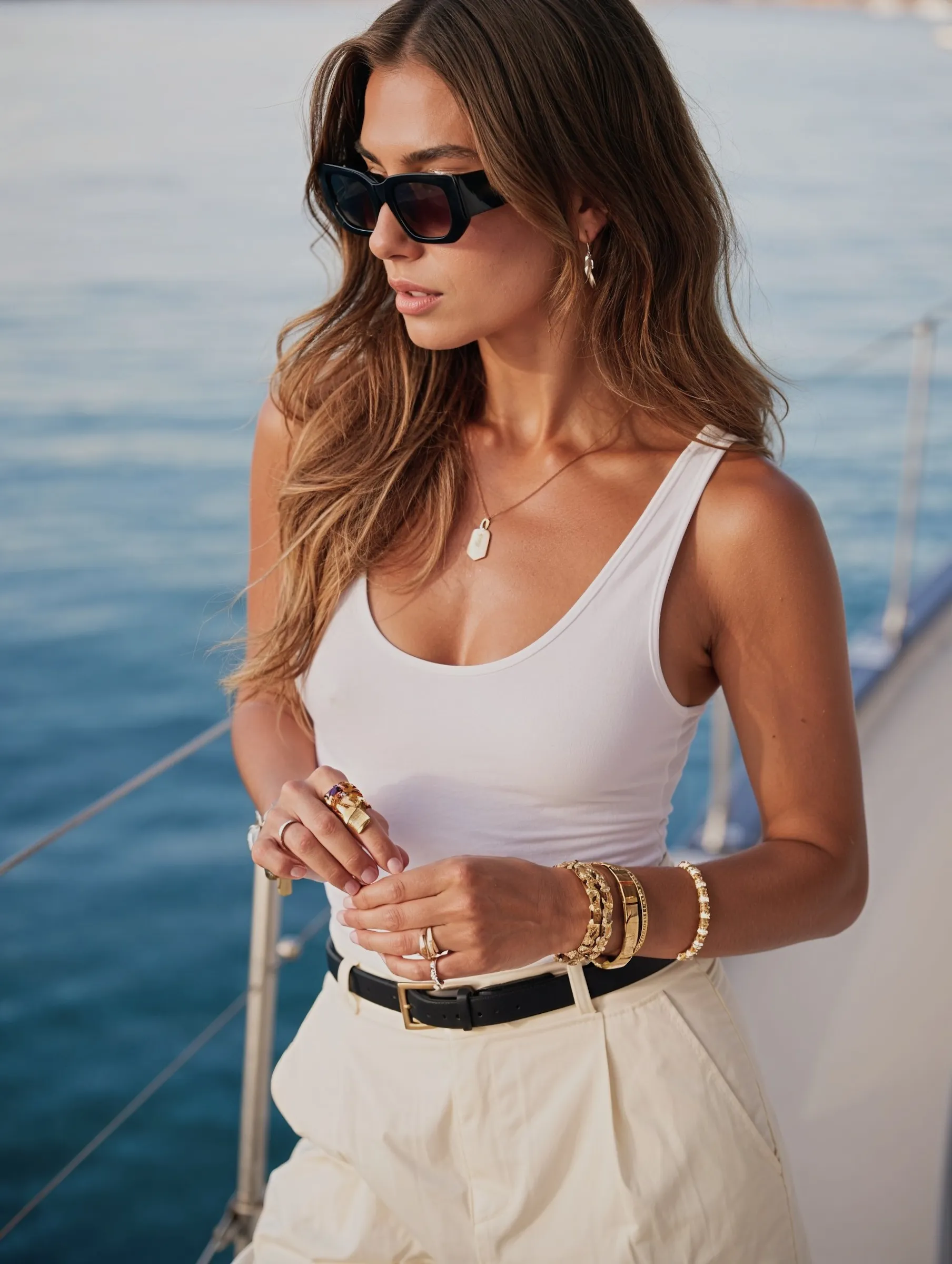
Natural lighting. Golden-hour glow, soft window light, and honest shadows replace the flat, plastic look of early AI.
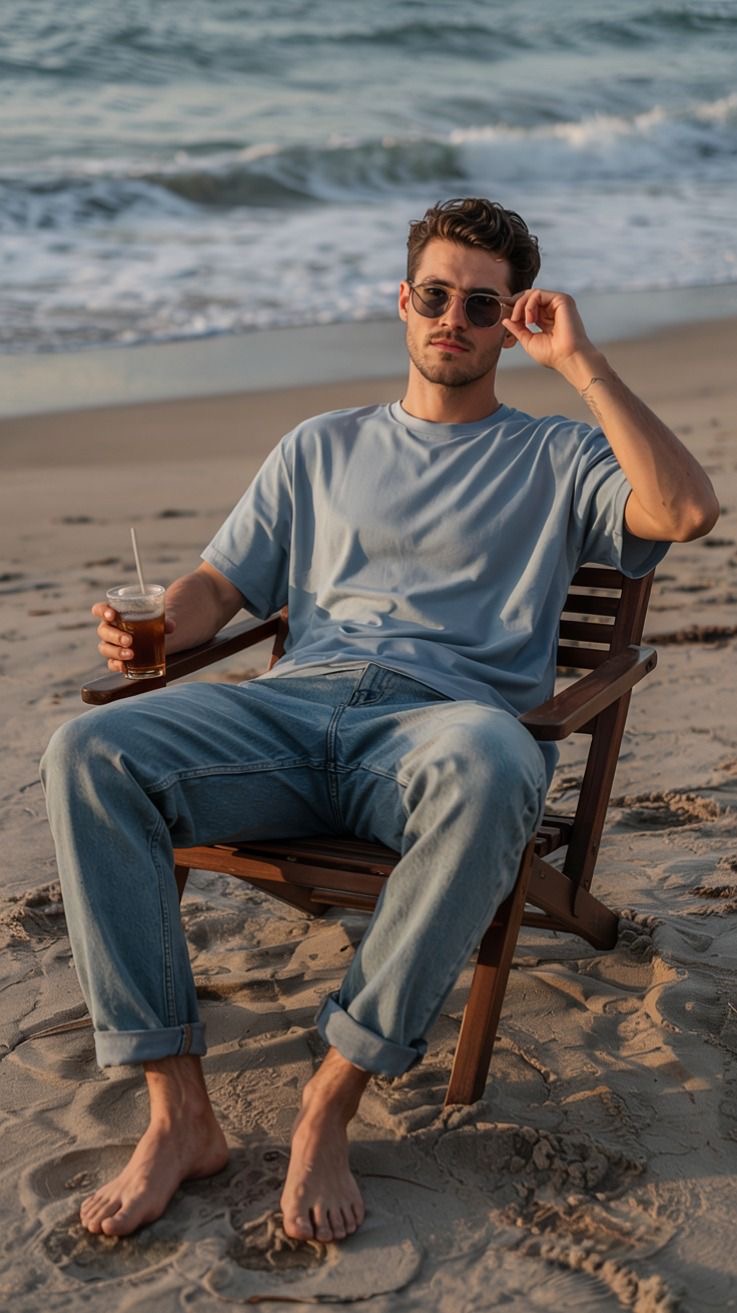
Character consistency. New tools lock in a single identity, so your person stays the same across hundreds of images.
Prompt control. You can direct camera angle, lens, mood, and wardrobe with plain English.
How to generate realistic people with AI, step by step
Step 1: Start with a clear concept
Before you type a prompt, decide who this person is. Age range, vibe, style, setting. A vague idea produces a generic face; a specific concept produces someone memorable. Jot down a one-line description you can build on — for example, "late-20s traveler with freckles, sun-kissed skin, and wavy brown hair."
Step 2: Write a photorealistic prompt
Describe the person and the photo. The trick is to think like a photographer, not a designer. Include the subject, the lighting, the camera, and the mood:
Prompt formula: [who they are] + [expression and pose] + [wardrobe] + [setting] + [lighting] + [camera/lens]. Example: "candid portrait of a woman in her late 20s with light freckles, relaxed smile, white cotton tee, sunny cobblestone street, warm golden-hour light, shot on 35mm."
Step 3: Choose the right model and settings
Pick a model tuned for photorealism rather than illustration. Favor higher resolution, keep stylization low, and avoid over-processing — the goal is a real photo, not a glossy render. Small, natural imperfections are what make an image believable.
Step 4: Keep the same person consistent
This is where most beginners get stuck. Re-rolling a prompt gives you a new face every time. To build a real character, you generate the person once and then reuse that identity across new outfits, poses, and locations. Consistency is what turns a nice picture into a person people recognize — and it's exactly what a purpose-built platform like MANROE is designed to handle.
Prompt tips for photorealistic results
Name the light. "Soft window light," "overcast," or "golden hour" instantly grounds an image in reality.
Add a camera. Mentioning a lens like "35mm" or "85mm portrait" nudges the model toward photographic framing.
Keep skin honest. Ask for "natural skin texture" and avoid words like "perfect" or "flawless," which flatten detail.
Use candid language. "Candid," "unposed," and "caught mid-laugh" read as real; "posing for the camera" often looks staged.
Less is more. Don't stack ten adjectives. Three or four strong, specific details beat a wall of keywords.
Free vs. paid AI people generators
Feature
Free tools
Purpose-built platform
Photorealism
Hit or miss
Consistently high
Same face across images
Rarely
Built in
Resolution & upscaling
Limited
High-res exports
Commercial use
Often restricted
Creator-friendly
Image-to-video
Usually none
Supported
Free tools are great for experimenting. The moment you want a consistent character you can post, sell, or build a brand around, a dedicated platform saves you hours of re-rolling.
Common mistakes to avoid
Over-stylizing. Cranking up "beauty" or "HDR" settings makes people look plastic.
Ignoring the hands. Always check hands and teeth — they're the classic giveaways.
No consistency plan. If every image is a different face, you can't build an audience.
Generic prompts. "Beautiful woman" gives you a stock face. Specifics give you a person.
Frequently asked questions
How do I keep the same face across images?
Generate the character once, then reuse that saved identity for every new scene. Platforms built for character creation store the face so it stays consistent — you change the outfit and setting, not the person.
What makes an AI person look fake?
Usually over-smoothed skin, unnatural lighting, and malformed hands. Prompt for natural texture and honest light, keep stylization low, and review the details.
Can I turn AI people into video?
Yes. Once you have a consistent character, image-to-video tools can bring them to life for reels and short clips. See our guide on creating an AI influencer for the full workflow.
The barrier to creating believable, photorealistic people has never been lower. Pick a clear concept, prompt like a photographer, and lock in a consistent identity — and you can produce a whole library of images that look like a real photoshoot.