How to Make AI Videos of Yourself (2026 Image-to-Video Guide)
MANROE Team · July 23, 2026
You can turn a single photo of yourself into a short, natural video — a head turn, a smile, a walk — in a couple of minutes, no camera required. This is called image-to-video, and in 2026 it's good enough that a still of you becomes a believable clip for Reels, TikTok, or ads. This guide covers exactly how to make AI videos of yourself: what you need, how the process works, and how to get results that actually look real.
No filming, no editing suite, no on-camera nerves. Just a good photo and the right tool.
What does it mean to make an AI video of yourself?
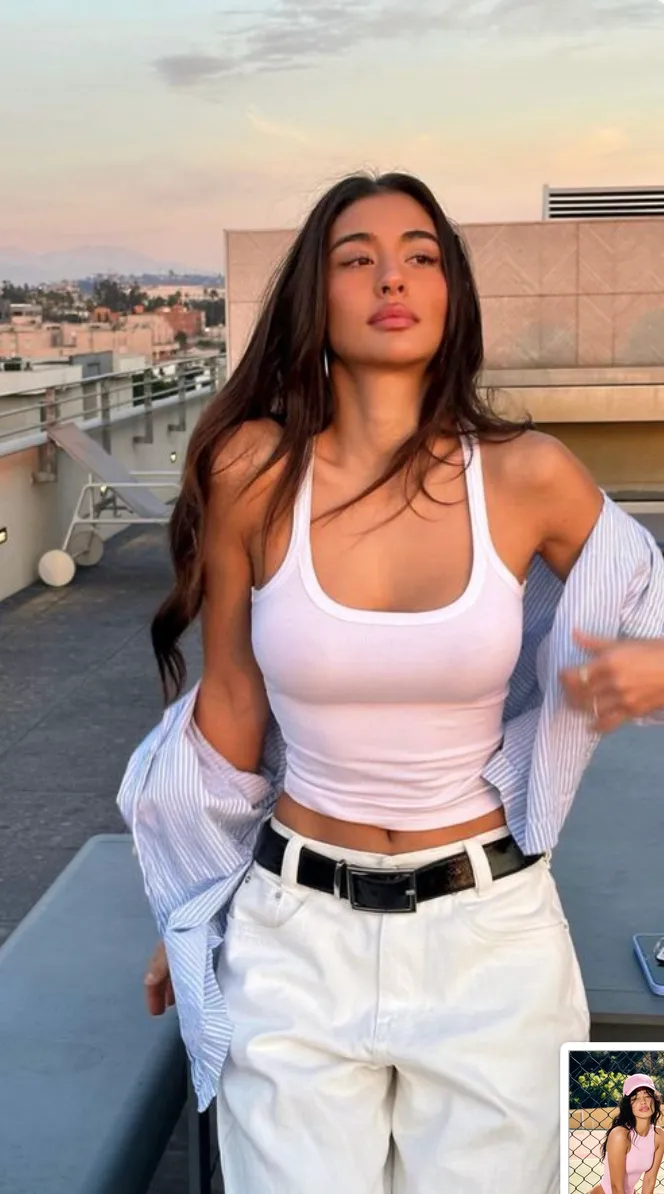
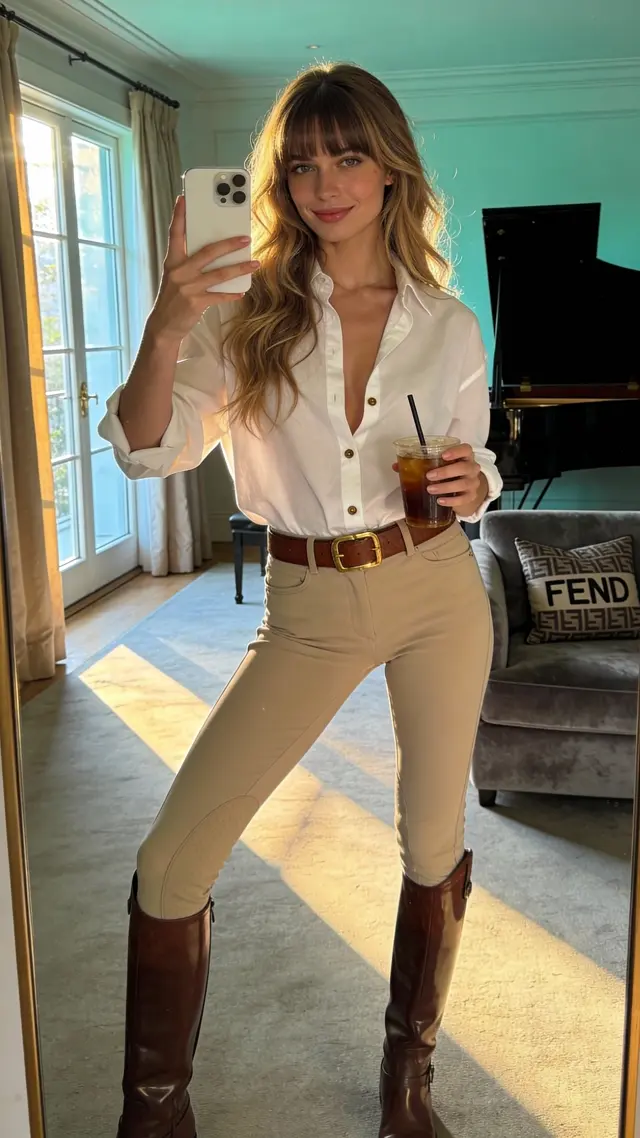
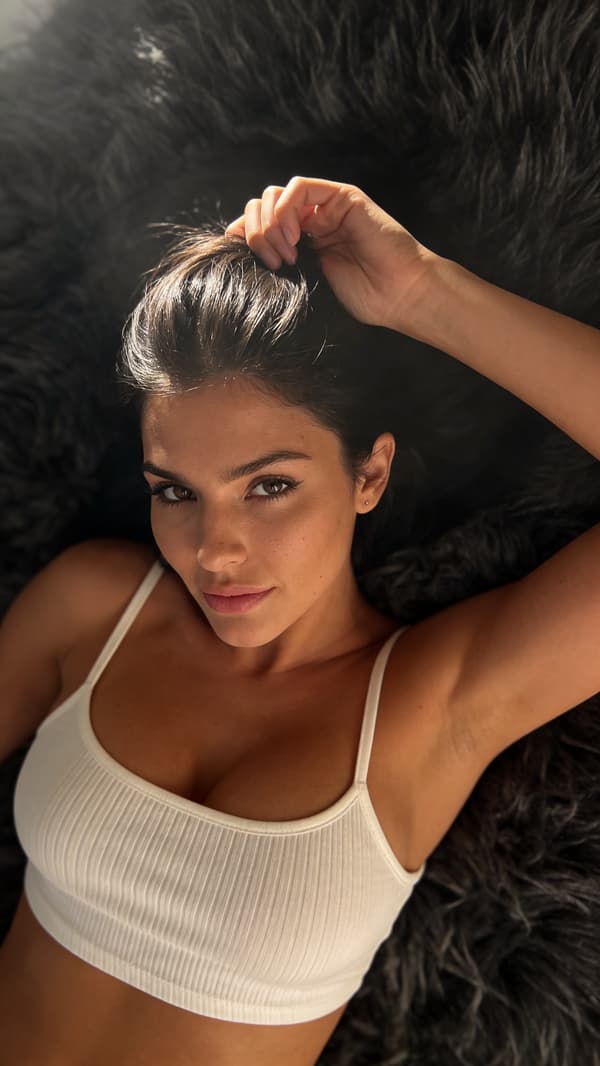
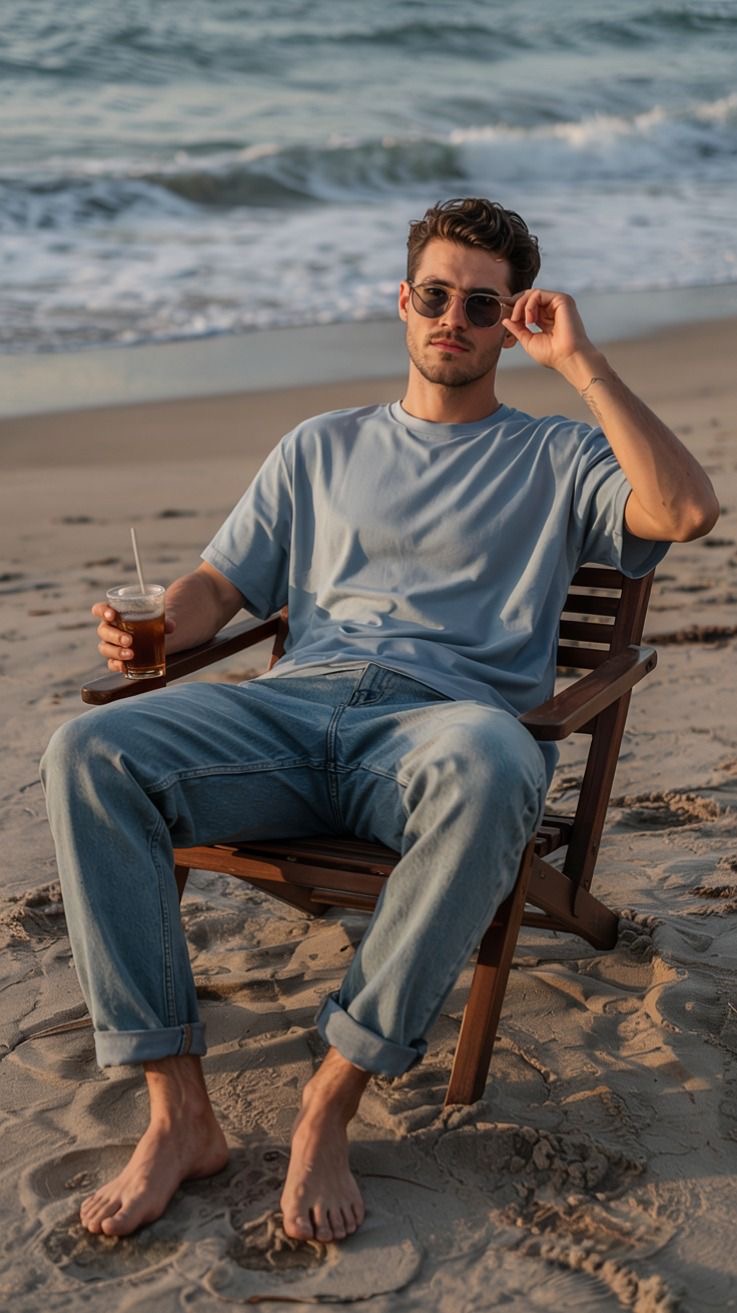
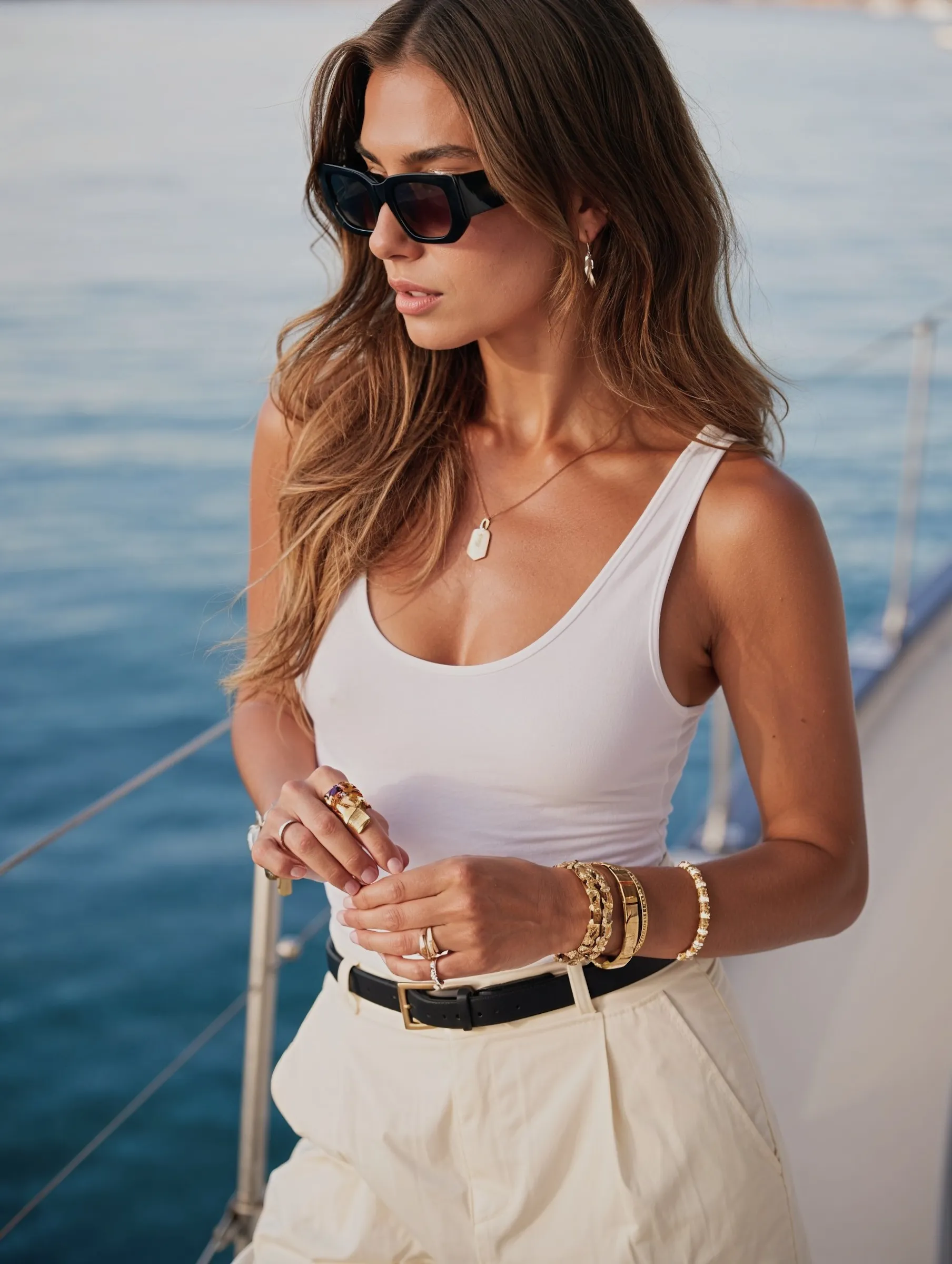
Making an AI video of yourself means animating a photo of your real face into short motion — instead of recording it on a camera. You start from an image (often an AI photo of yourself or a real selfie), then an image-to-video model generates natural movement: subtle expressions, camera motion, a turn of the head, or a full walking shot.
The technology behind it — models like Runway, OpenAI's Sora, Google Veo, and Kling — matured fast, and the output now reads as real footage rather than an obvious animation.
Why make AI videos of yourself in 2026
Video gets the most reach. Every major platform pushes short video hardest — Reels and TikToks out-reach static posts by a wide margin.
No filming. Turn one photo into a clip without a camera, lighting, or a location.
Consistency. Keep the same face across every video, so your content looks like one person.
Speed and cost. A clip costs the price of a subscription and takes minutes, not a shoot day.
Endless content. One photoshoot becomes dozens of short videos.
How to make an AI video of yourself, step by step
Step 1: Start with a strong image
The video is only as good as the starting frame. Use a sharp, well-lit photo of yourself — a clean AI photo or a high-quality selfie. Avoid blur, heavy shadows, and busy backgrounds. If the image looks real and clear, the motion will too.
Step 2: Describe the motion you want
Image-to-video works from a short prompt describing the movement. Keep it simple and physical:
"slow smile, subtle head tilt, soft breeze in hair"
"walking toward camera on a city street, natural gait"
"turning to look over the shoulder, gentle camera push-in"
Small, natural movements read as real. Overly complex actions are where AI video breaks.
Step 3: Generate and pick the best take
Generate a few versions and choose the most natural one. Short clips (3–6 seconds) are the most reliable — long generations drift and distort. Treat it like a real shoot: take several, keep the best.
Step 4: Keep the same face across videos
To build a real presence, your videos need to look like the same person every time. Generate from a consistent character or the same reference identity, so your face stays recognizable across every clip — this is exactly what a platform built for character consistency like MANROE is designed to handle.
Step 5: Edit for the platform
Trim to the strongest moment, add captions or trending audio, and export vertical (9:16) for Reels, TikTok, and Shorts. A few seconds of natural motion with the right audio outperforms a longer, flat clip.
Keep movements small. Subtle beats dramatic — big actions distort.
Stay short. 3–6 seconds is the sweet spot for stability.
Start from a great image. Realism in = realism out.
Name the motion and the camera. "Gentle push-in," "slow pan," "natural walk."
Check the hands and face. Fingers, teeth, and eyes are where AI video slips — review before posting.
AI video vs filming yourself
Filming
AI video
Gear
Camera, lighting, mic
A photo + a tool
Time
Setup, shoot, edit
Minutes
Reshoots
Refilm
Regenerate
On-camera needed
Yes
No
Consistency
Depends on the day
Same face, always
For authentic talking-head content, filming still has its place. For scalable short-form visuals, AI video is faster and repeatable.
Frequently asked questions
How do I turn a photo of myself into a video?
Upload a clear, well-lit photo to an image-to-video tool, describe a simple motion (a smile, a head turn, a walk), and generate a short clip. Keep it to 3–6 seconds for the most natural result.
Will the AI video actually look like me?
Yes, if you start from a sharp, realistic photo. The likeness carries from the source image into the motion, so a clear starting frame produces a believable clip.
How long can AI videos be?
Most tools produce short clips of a few seconds at a time. Short generations (3–6 seconds) are the most stable; longer ones tend to distort.
Can I use AI videos of myself on TikTok and Reels?
Yes — short vertical AI clips are ideal for Reels, TikTok, and Shorts. Add captions or trending audio and export in 9:16.
Is it hard to make AI videos of yourself?
No. If you can pick a good photo and write a one-line description of the motion, you can generate a clip. No filming or editing skills required.
Start making AI videos of yourself
Turning a photo of yourself into natural motion used to require a camera and a crew. Now it takes a good image and a short prompt. Start from a sharp photo, keep the movement subtle, stay short, and keep your face consistent across clips.